
Guide
How to set up Reddit alerts
Updated 31 August 2026
The short answer
Reddit has no keyword alert. Its own notifications cover replies to your posts and accounts you follow. There is no setting that tells you when a word appears somewhere you are not already watching. That kind of alert comes from a monitoring tool pointed at the subreddits you choose.
Redwatcher is a Reddit monitoring tool that scores every keyword match for relevance before it alerts you. Setting it up is five steps: add the terms, accept the subreddits, set the score to be alerted above, connect a channel, send a test. Seven-day trial, no card.
What Reddit's own notifications do cover
Reddit handles the first two of these. It has nothing for the third.
| You want to be told when… | Reddit itself |
|---|---|
| Someone replies to your post or comment | Yes, in your notifications |
| An account you follow posts | Yes, by following that account |
| A word appears anywhere you are watching | No |
The last row is what a Reddit monitoring tool does.
Step 1 — Put in the words you want to hear about
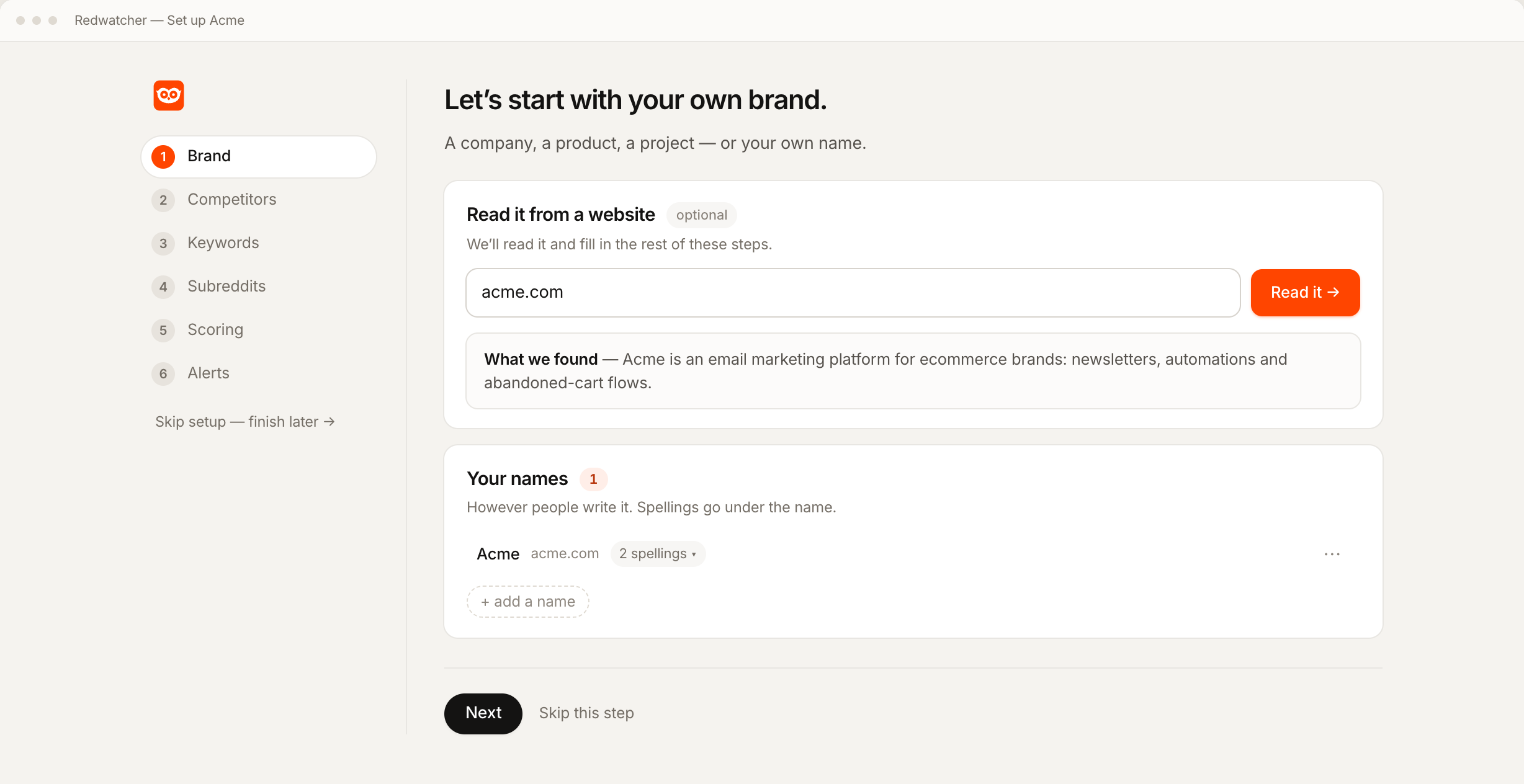
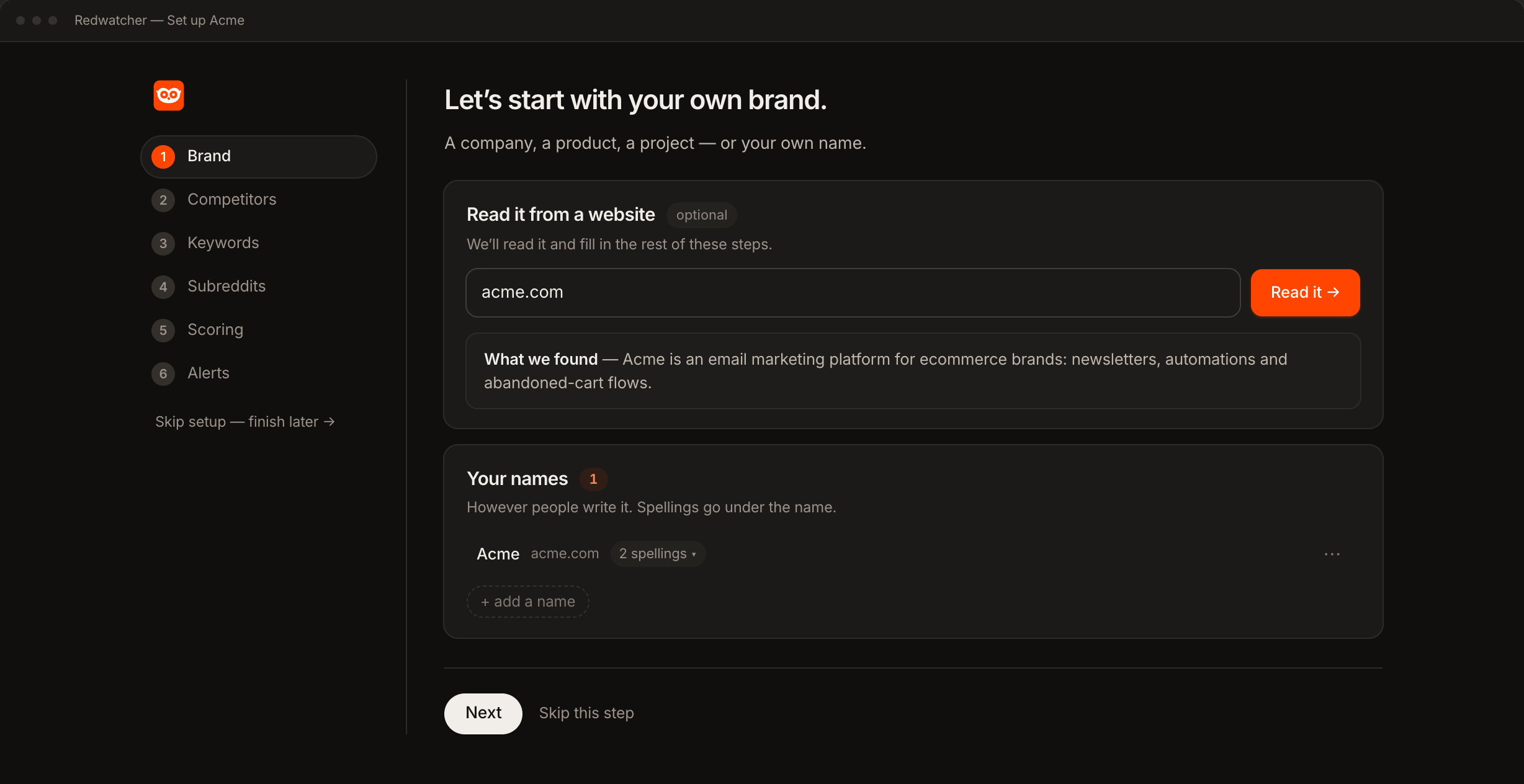
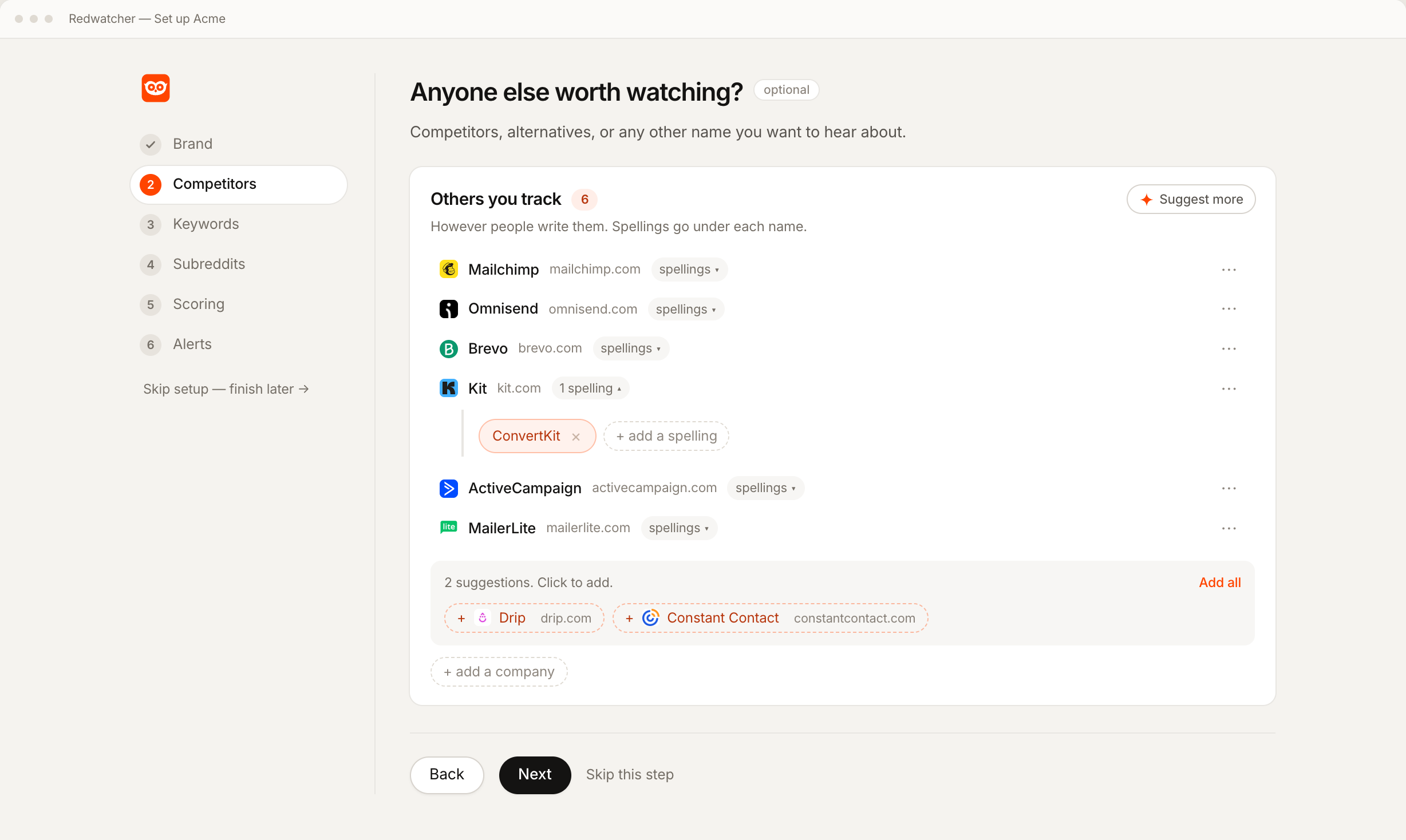
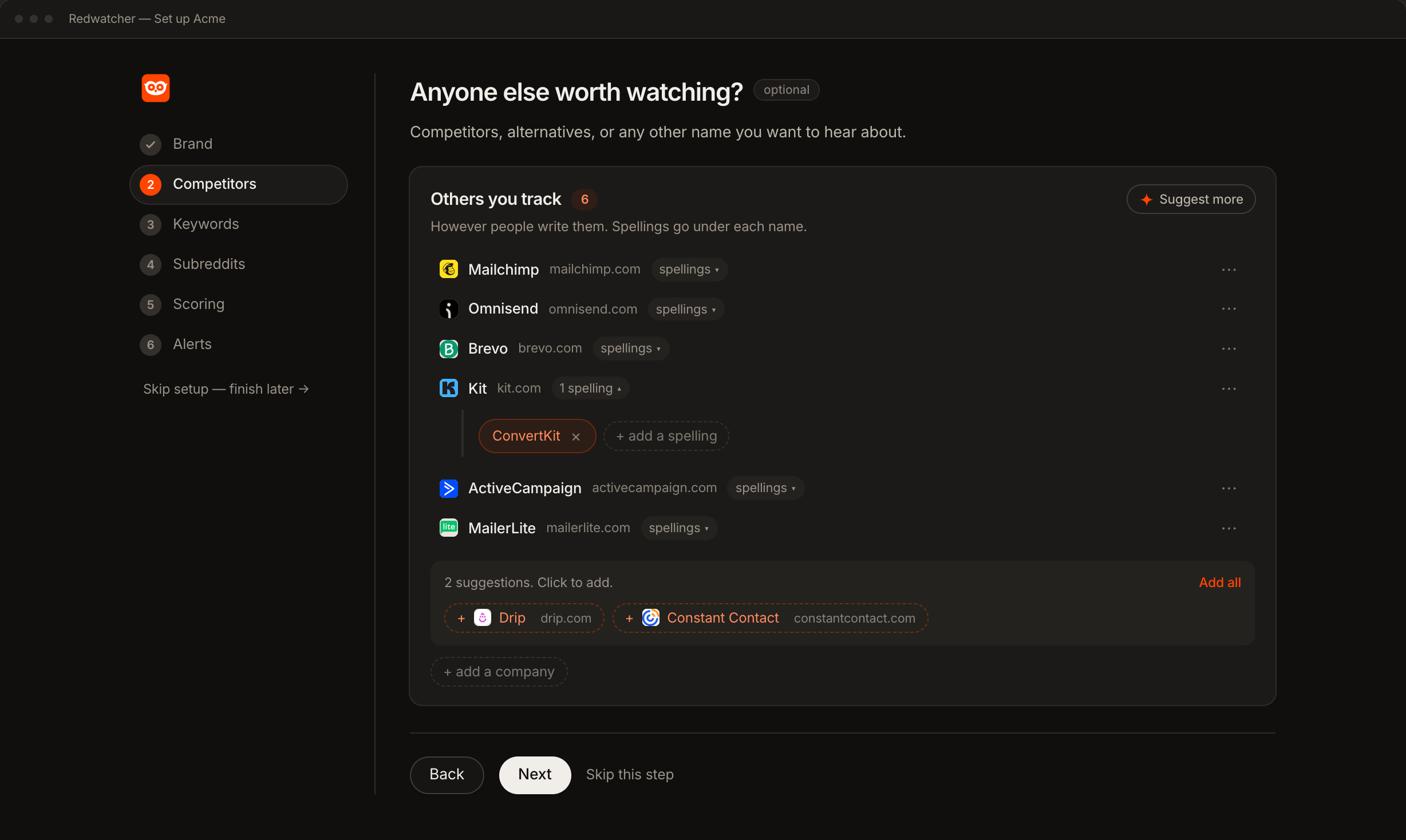
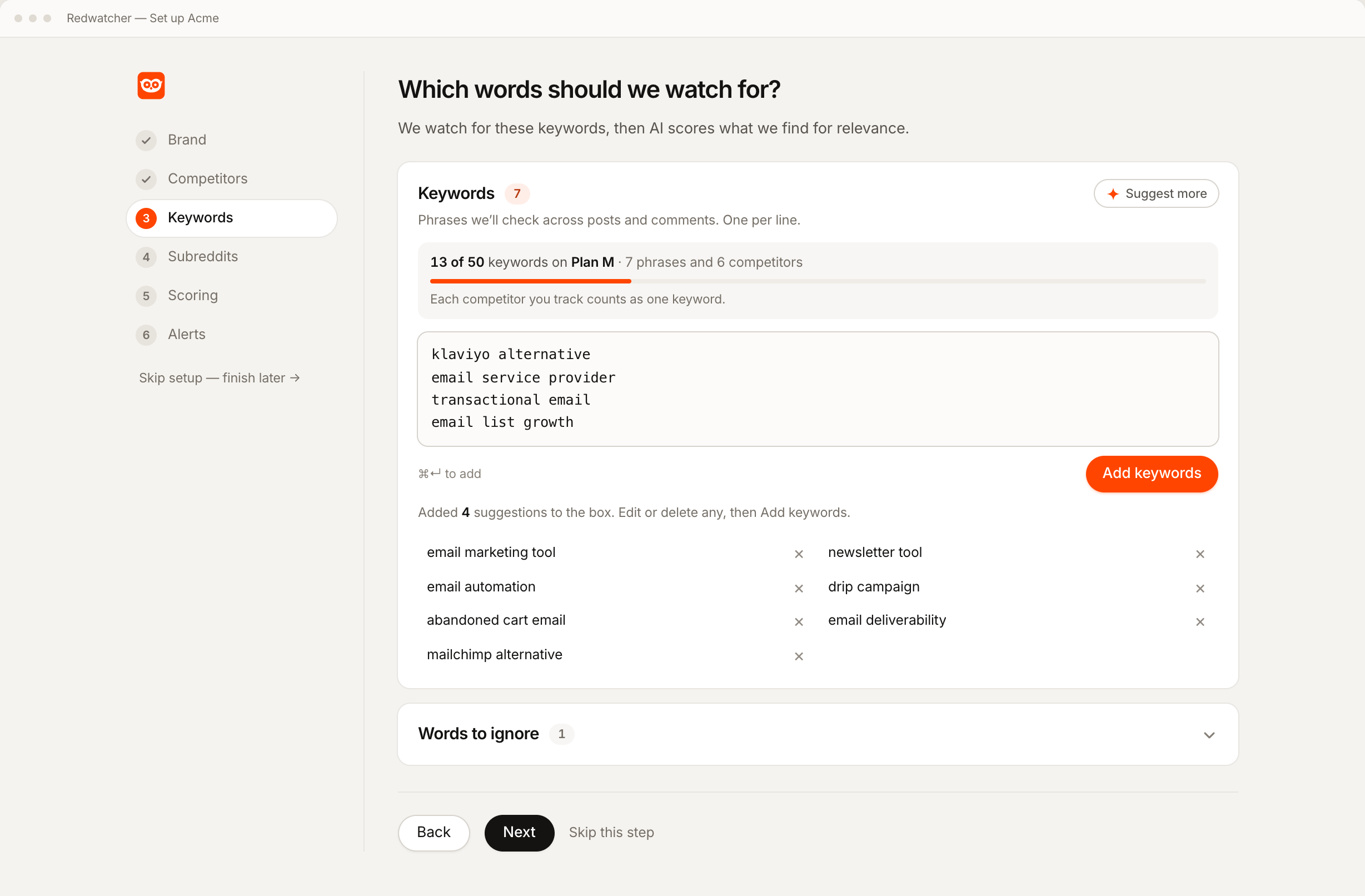
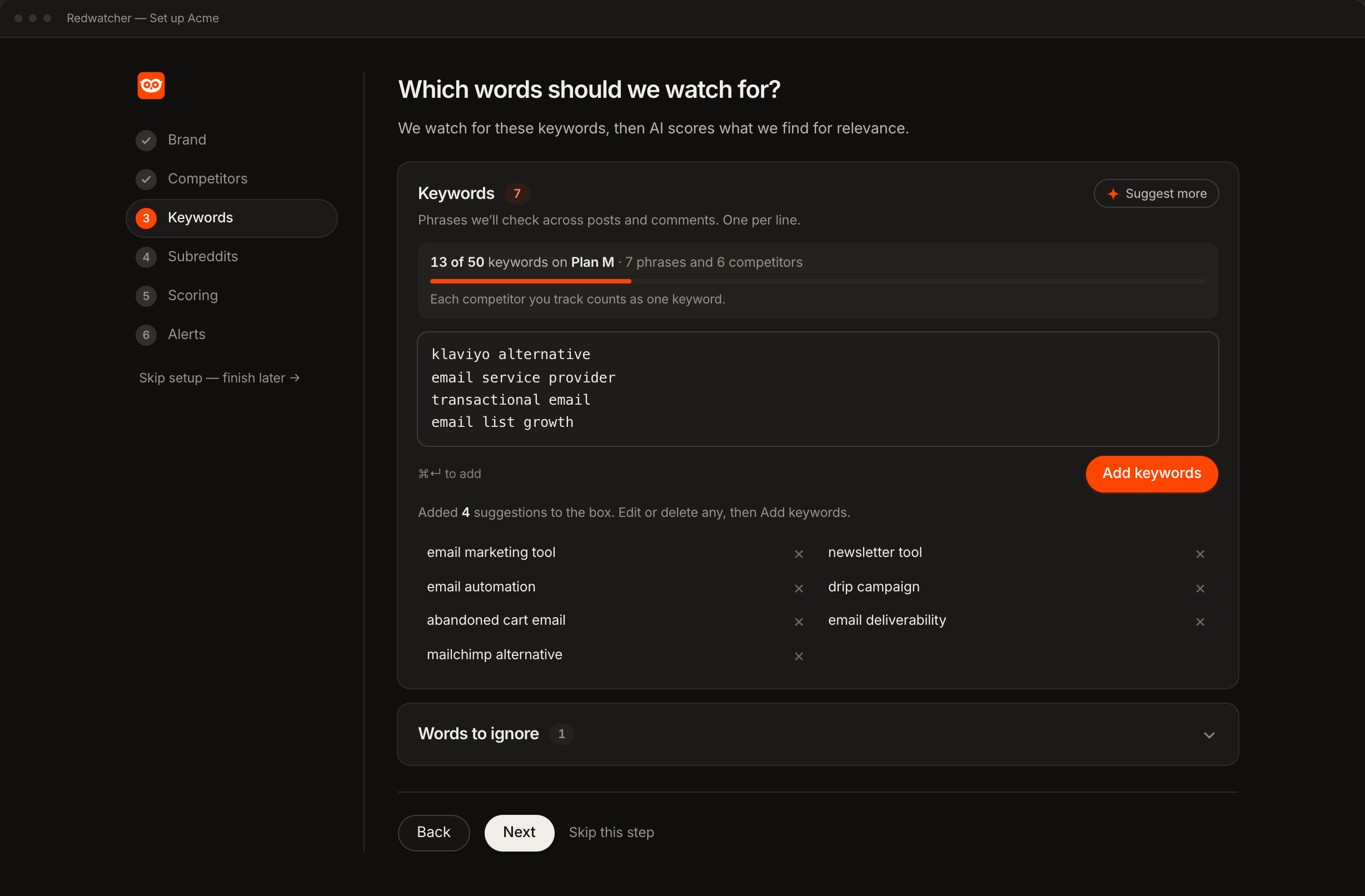
Add your brand and the spellings people use for it, your competitors, and the phrases people type when they have the problem you solve. The third group finds threads before your name is in them.
Redwatcher's setup reads your website and proposes all three, spellings included, so you are editing a list instead of writing one from scratch.
Step 2 — Choose the communities to watch
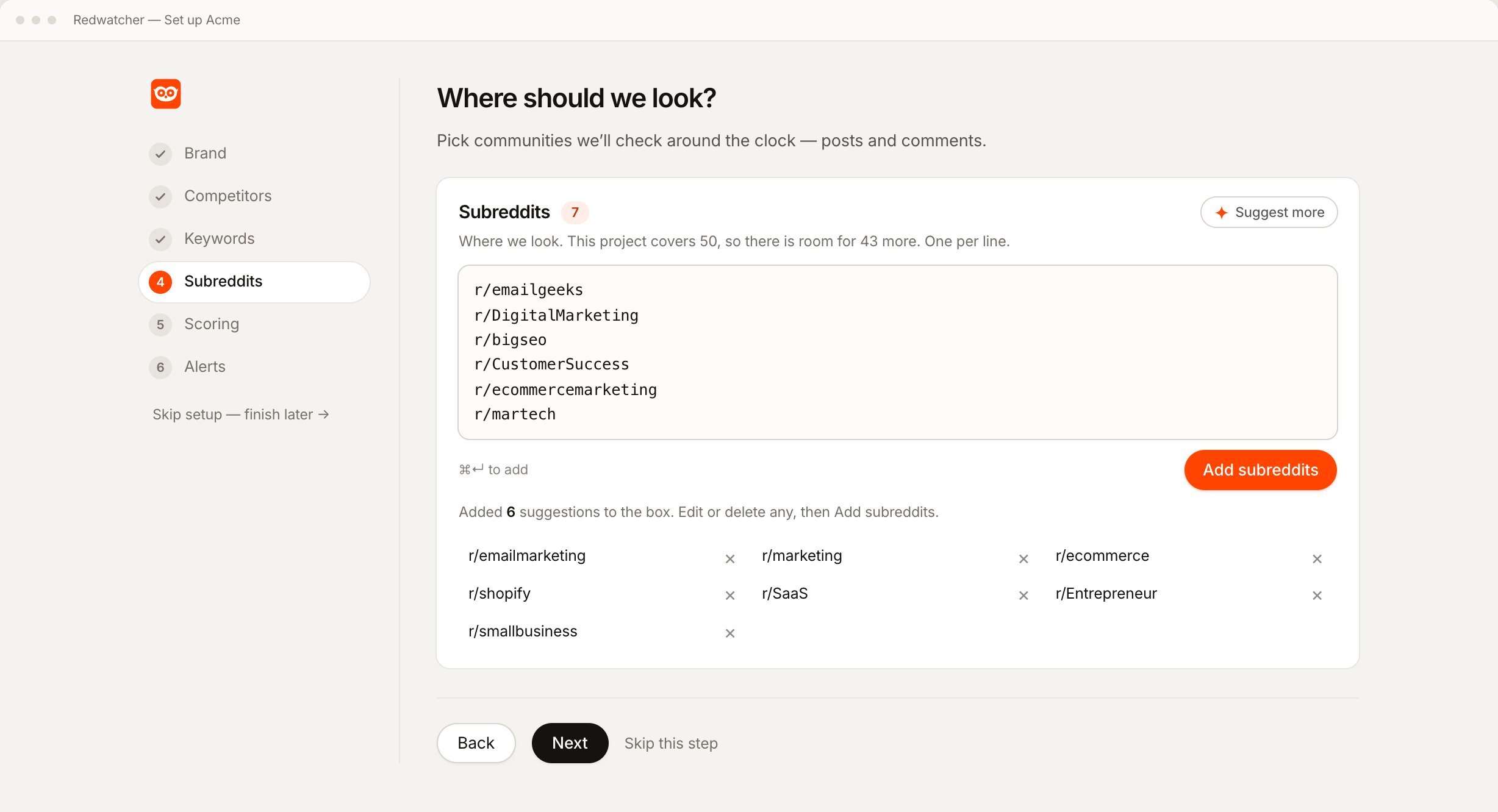
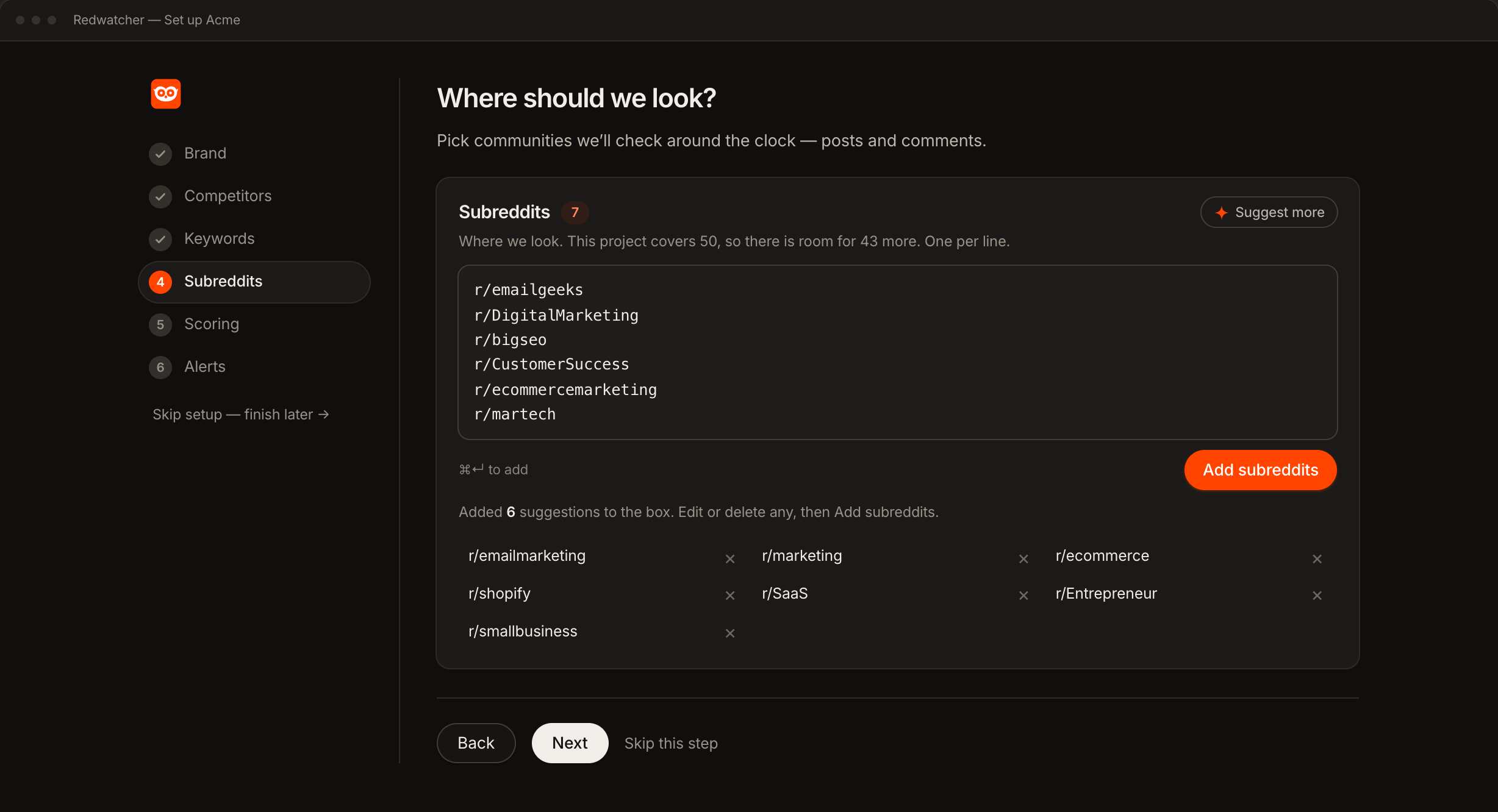
Accept the proposed subreddits, add the ones you know, and remove any that do not apply to you. Each one is checked against Reddit as you accept it, so the finished list holds only communities that exist and are active.
Step 3 — Set the bar
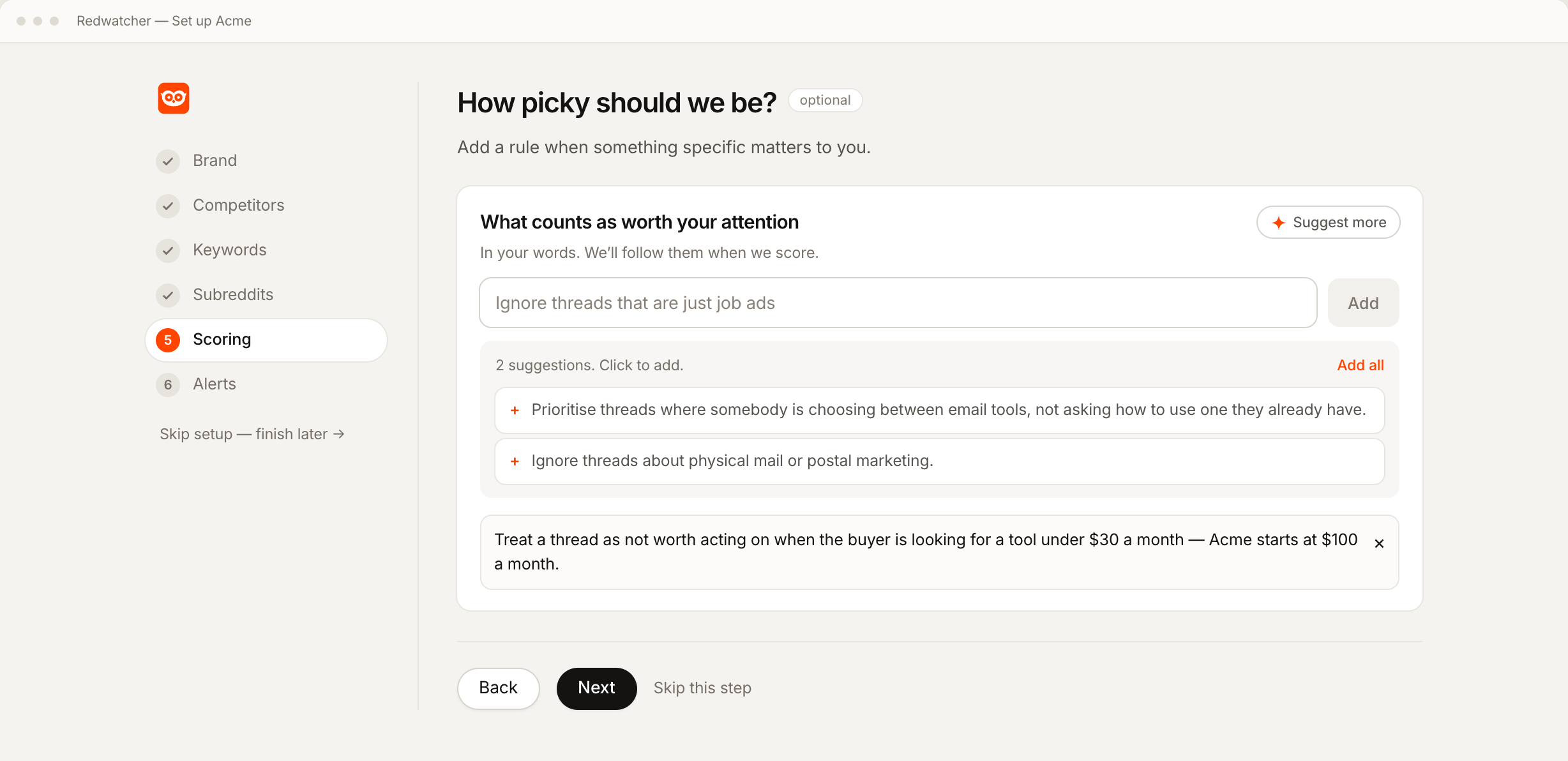
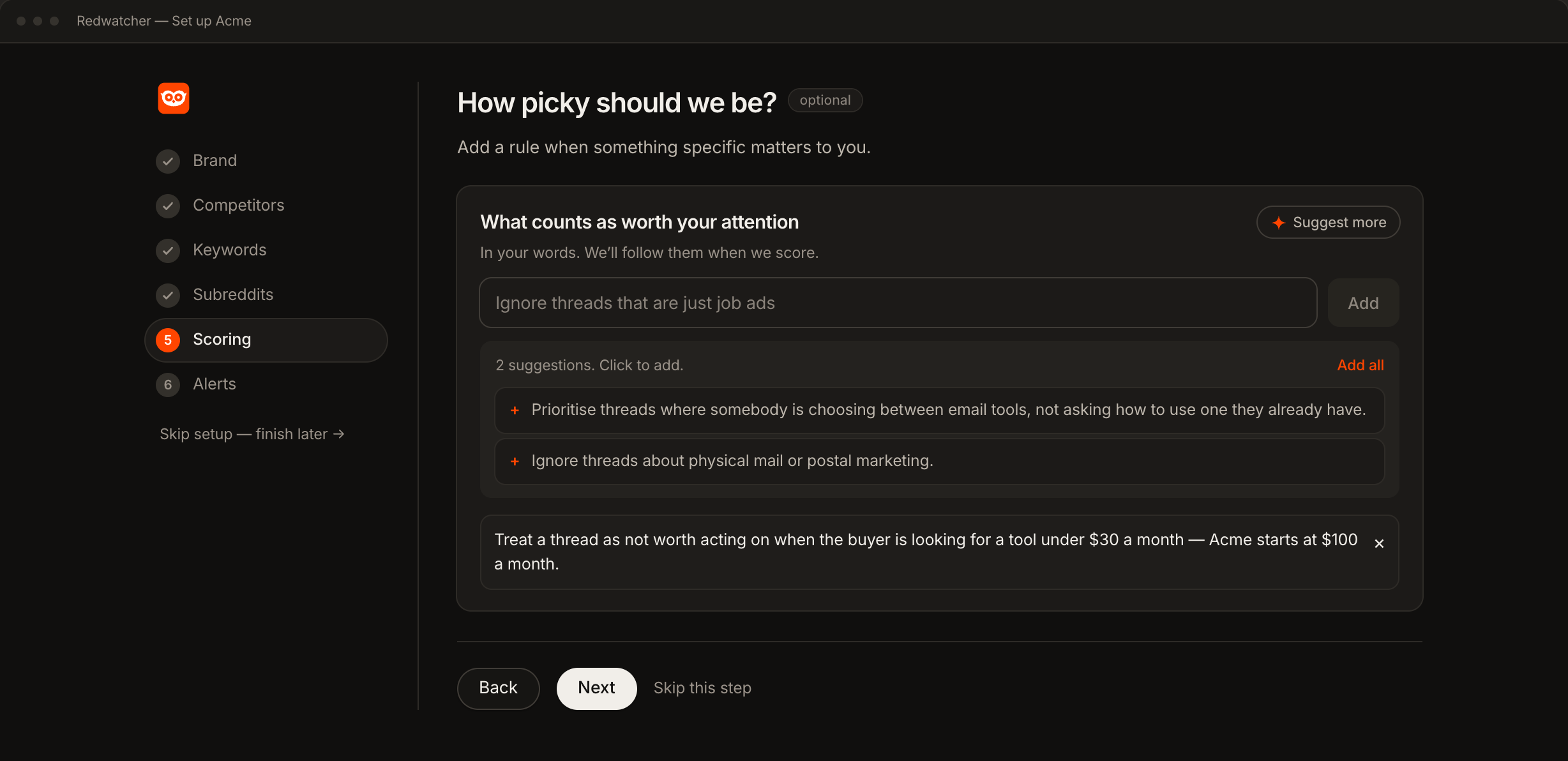
Set the score a match has to reach before you are alerted. Anything below it is kept and counted in the app instead of sent, so the bar controls how much arrives without discarding anything.
70 is a good starting point. Lower it if the first days are too quiet. If a common phrase keeps firing, correct one of its scores and the correction is saved as a rule.
Step 4 — Connect the channel
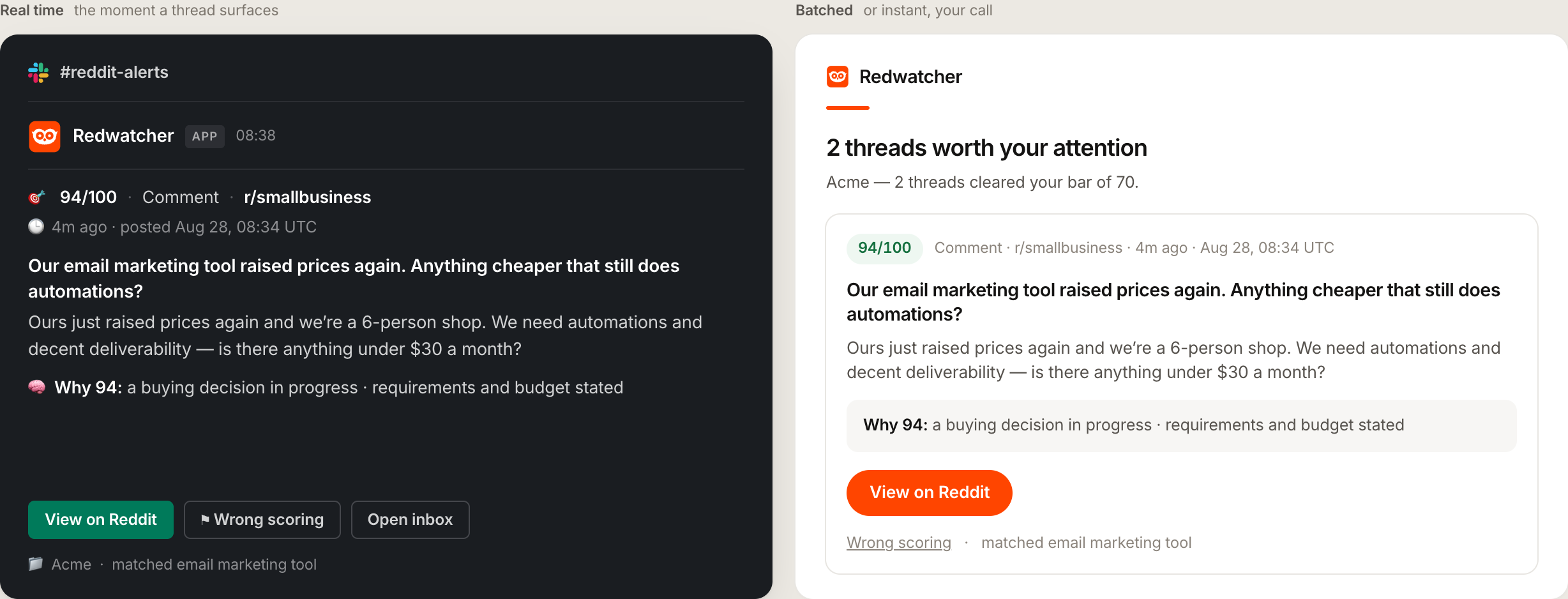
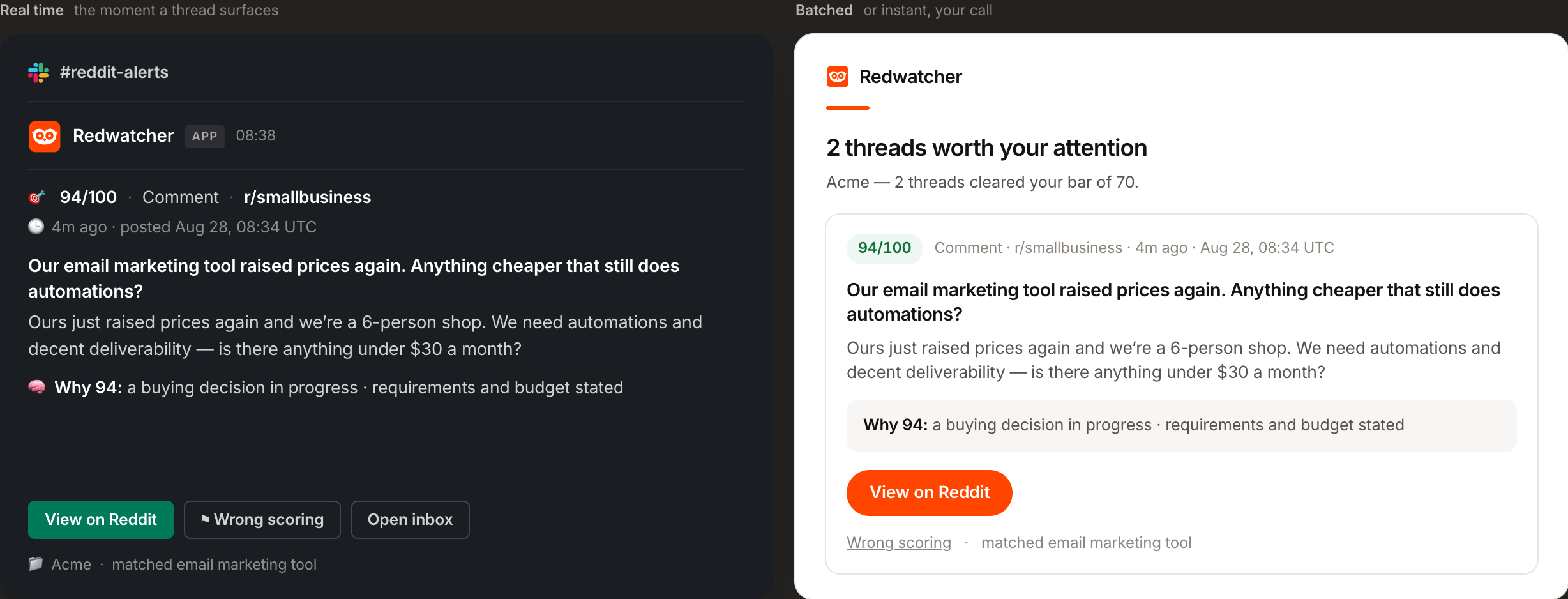
Email, Slack, Telegram or a signed webhook, all four on every plan. Slack and Telegram install in one click, with no bot token to create and no chat id to look up.
Step 5 — Send a test before you trust it
Every channel has a test button that sends a real message. Press it now, so you are not finding out whether the channel works on the day something important gets posted.
What a good first week looks like
Day one is quiet, and that is normal. Monitoring starts from the moment you finish setup, so the first alerts come from new threads as they are posted, not from the back catalogue.
By day two or three you should be seeing a handful of matches a day in a normal category. If you are seeing none, it is usually the subreddit list at fault before the terms. If you are seeing dozens, the bar is too low for one of your broader terms.
By the end of the week you will have corrected two or three scores, and from there the scoring starts matching your judgement instead of a general one. The rules those corrections write are listed in Setup, and you can edit them by hand at any time.
When nothing is arriving
Four things account for almost every quiet inbox. Check them in this order.
The bar is too high. A score of 90 is stricter than it sounds. Drop it to 70 and see what appears.
The subreddits are quiet. The Stats screen shows how much was read in each one. A community with few posts a day will not produce matches whatever the terms are.
The terms are too narrow. A brand nobody has heard of yet produces very few mentions. Add the phrases people use to describe the problem, which they write long before they know your name.
The channel is not connected. Every channel has a test button that sends a real message. If the test arrives and the alerts do not, delivery is working and the problem is the bar or the terms.
RedwatcherReddit monitoring, every match scored
 Redwatcher
Start free Seven days, no card. From $29 a month after. What an alert contains
Setting up Reddit alerts: questions people ask
Can you set up Reddit alerts?
Not for keywords. Reddit notifies you about replies and accounts you follow. To be alerted when a word appears in a community you are watching, use a monitoring tool: you give it the terms and the subreddits, and it tells you when they meet.
How to set Reddit alerts for a specific subreddit?
Add that subreddit to the list you watch and attach the terms you care about. You then hear about the posts and comments in it that mention one of your terms and clear your score, instead of everything posted there.
How to set up keyword alerts?
Add the words, name the subreddits, and set the score a match has to reach before it is sent. In Redwatcher the first two are proposed from your website and the third is a slider.
Why am I getting Reddit notifications I did not ask for?
Those come from Reddit's own settings, such as recommended posts or replies, and they are turned off in your Reddit notification preferences. They have nothing to do with keyword monitoring, which sends nothing until a term you chose appears in a place you named.
How long does it take to set up?
The five steps take a few minutes. Expect to spend the first week or two adjusting the bar and one or two keywords once you have seen what they catch.
Reddit is a trademark of Reddit, Inc. Redwatcher is not affiliated with or endorsed by Reddit, Inc.