
Guide
How to monitor multiple subreddits at once
Updated 3 October 2026
In short
Put the subreddits in one Redwatcher project with the keywords they share, and Redwatcher checks every one of them for every keyword. A project holds 25, 50 or 100 subreddits, depending on its plan. The Stats screen shows each subreddit being read. Each project has one score setting, and Redwatcher sends only the threads that reach the score you set.
Redwatcher is a Reddit monitoring tool. Tracks keywords, brand mentions and competitors across the subreddits you choose, scores every match for relevance, and alerts by email, Slack, Telegram or webhook around the clock. From $29/month per project. A subreddit is one of Reddit's communities, such as r/smallbusiness, each with its own posts and comments. A project is one set of keywords, subreddits, score and alert channels, and every keyword in a project is checked in every subreddit that project watches, in posts and in comments. A match is a new post or comment in one of those subreddits that contains one of the project's keywords.
RedwatcherReddit monitoring, every match scored
 Redwatcher
Start free Seven days, no card. From $29 a month after. See pricing
What Reddit's custom feeds (multireddits) do for many subreddits
A custom feed on Reddit puts several communities into one feed you scroll, and it does not watch for your keywords or tell you when one appears. Reddit Help's article What is a custom feed and how do I make one?, read on 3 October 2026, says custom feeds let Redditors "create personalized feeds based on multiple communities, meaning all the content is in one place", and that a feed can be kept private or made public. The article describes no keyword filter and no alert. Reddit Help's glossary What do these expressions mean?, read on 3 October 2026, says custom feeds were formerly known as multireddits, and the same custom feed article says that on Old Reddit, the site's older design, you create one under multireddits.
| What you want across many subreddits | A Reddit custom feed | Redwatcher |
|---|---|---|
| Every post from the communities in one place | Yes | No, only the matches |
| Find your keywords in posts and comments | No | Yes |
| Score each match for how well it fits | No | Yes, from 0 to 100 |
| Be told when a thread is worth reading | No | Yes, for the threads that reach the score you set |
| See whether every community is being read | No | Yes, on the Stats screen |
Step 1: Choose the subreddits as one set
Put together the communities where the same people talk about the same problem.
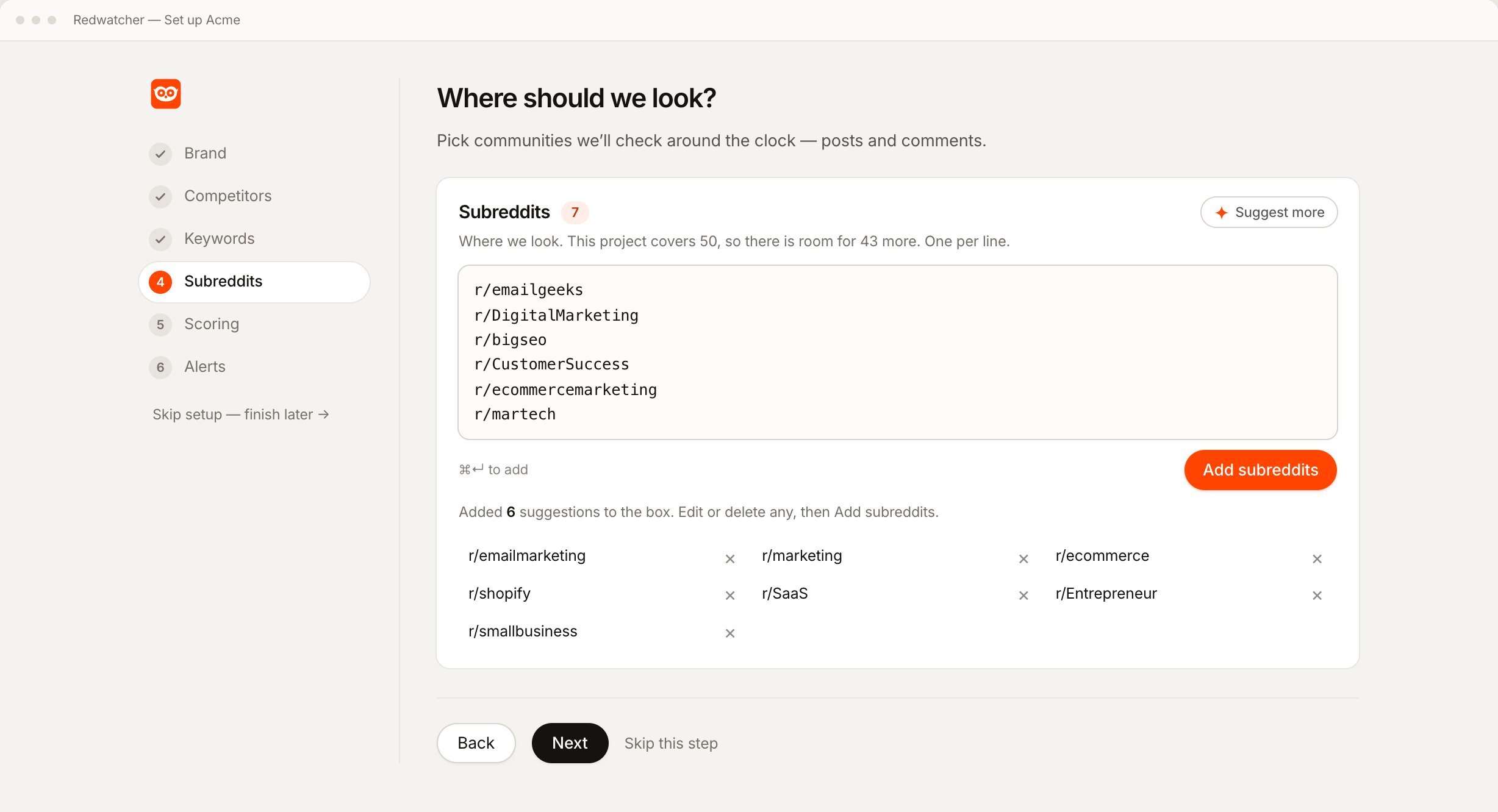
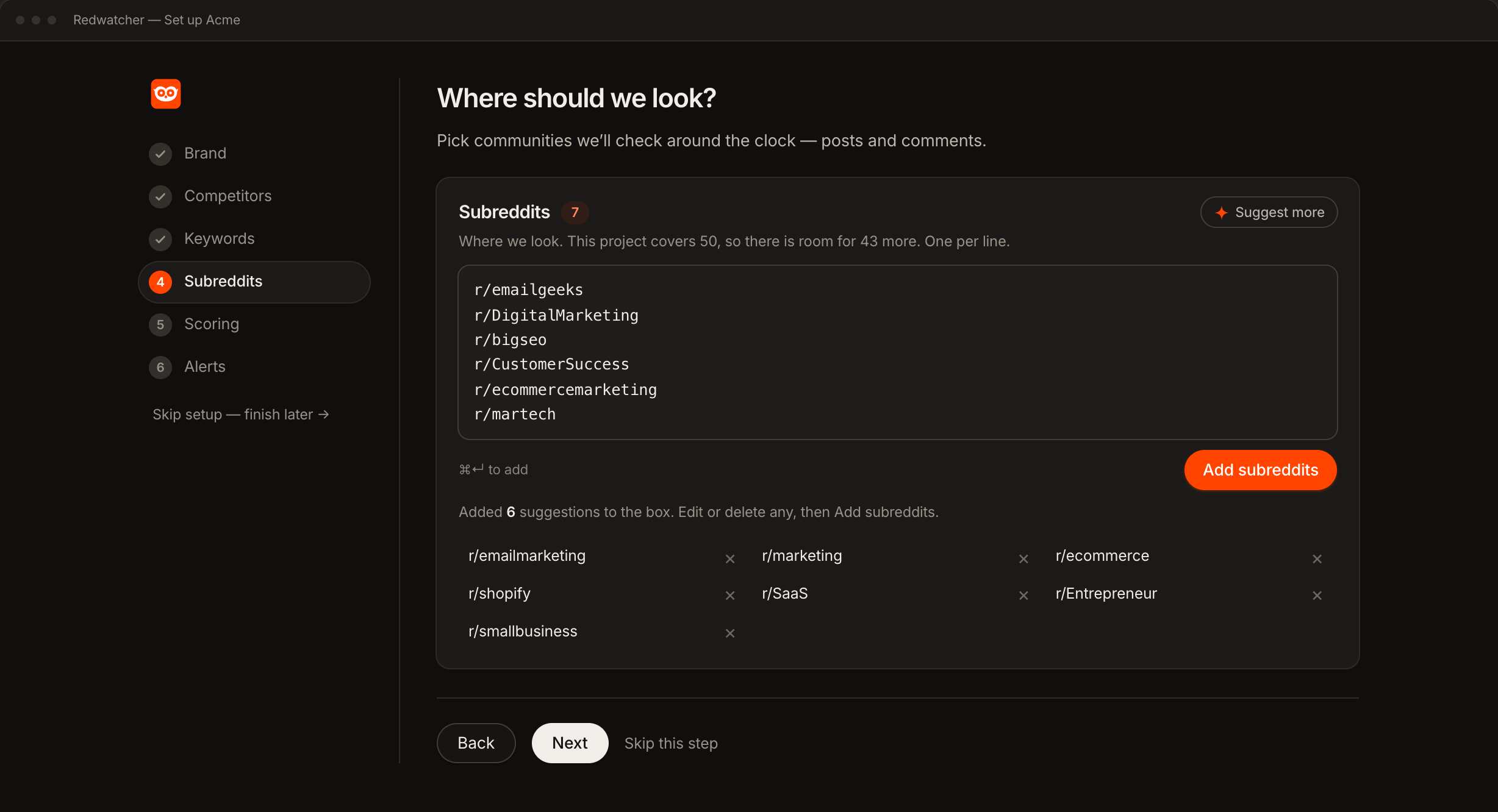
Give Redwatcher your website and setup proposes subreddits along with keywords and competitors. The Subreddits step takes one community per line, as a name, as r/name or as the full address, and the Suggest more button proposes more communities. Each subreddit is checked against Reddit as you accept it, so the list holds communities that exist and are still active. Subreddit tracker covers which communities belong on the list and how many a plan holds.
Step 2: Fit the list to a plan's allowance
Each project's plan sets how many subreddits and keywords it holds, and the count is on the Subreddits step while you add them. Every competitor you track counts as one keyword.
| Plan | Subreddits per project | Keywords per project |
|---|---|---|
| $29 a month | 25 | 25 |
| $49 a month | 50 | 50 |
| $89 a month | 100 | 100 |
A project that needs more than 100 subreddits needs a custom plan. A project at its limit will not accept another subreddit until you remove one or move the project up a plan, and nothing already on the list is dropped. You can move a project up or down a plan at any time, and the subreddits and keywords you entered stay where they are. A large subreddit takes one place on the list, the same as a small one, and there is no charge per mention. Prices from redwatcher.com/pricing, read on 3 October 2026.
Step 3: Split into separate projects when the keywords differ
Keep one project while every subreddit on the list should be searched for the same keywords. Start a second project when a group of communities needs different keywords, a different score or different people reading the alerts.
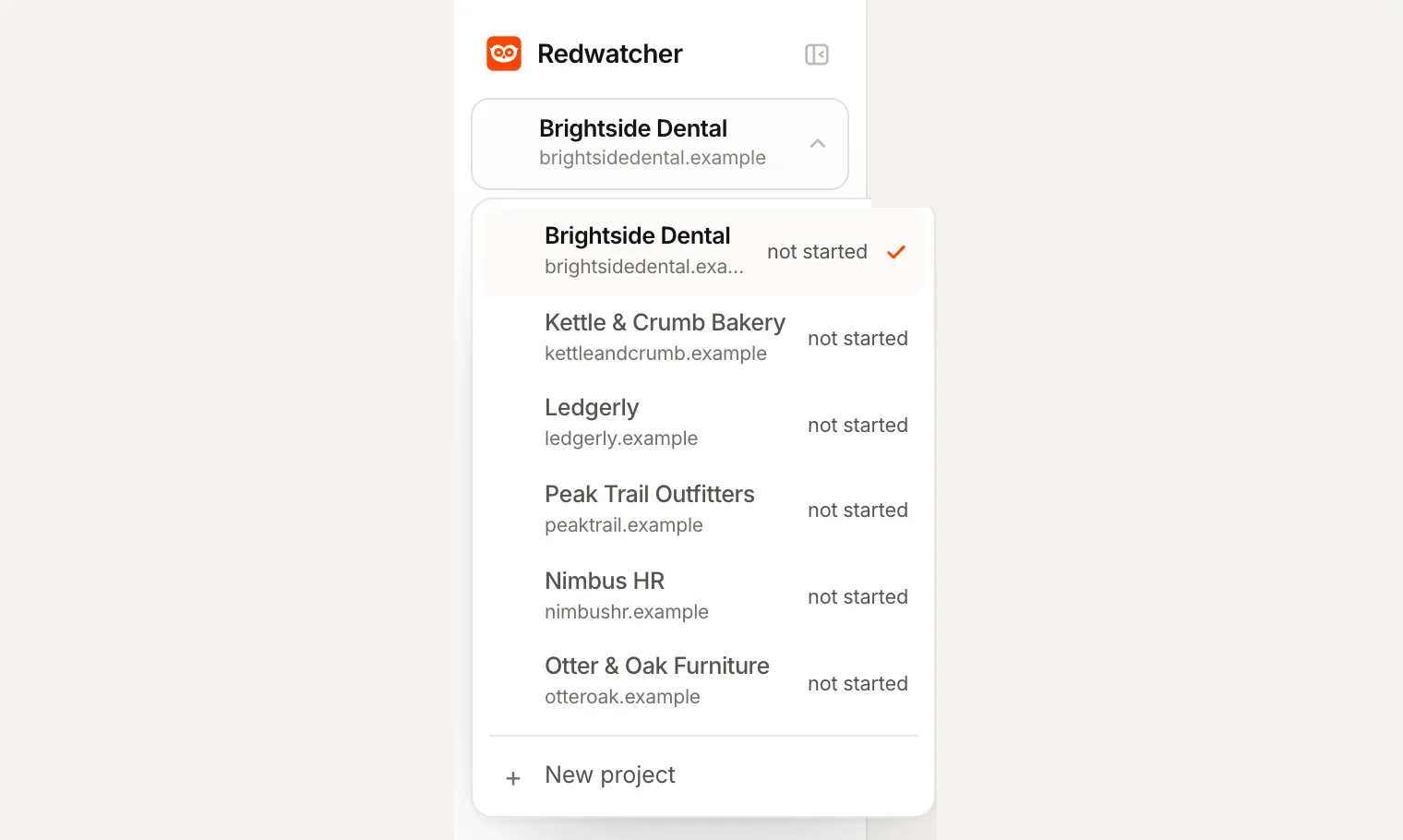
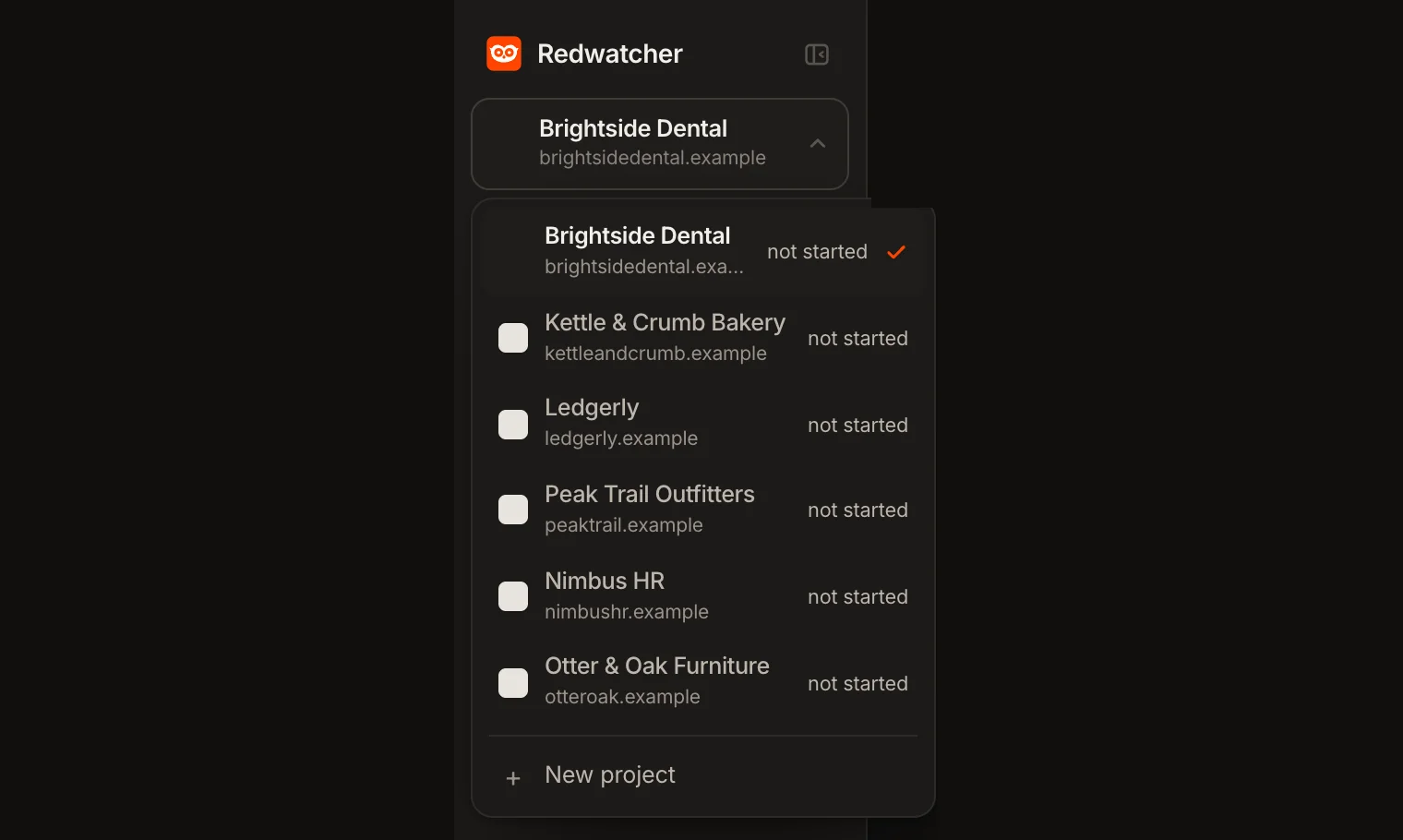
Your own brand and a client's brand go in separate projects, so one client's competitor never appears as a match for another. Two product lines sold to different buyers go in separate projects when their buyers use different communities and different words. Each project also has its own plan, so a client with a short list of subreddits can stay at $29 while a client with a long list moves to $89. A subreddit that matters to two projects goes on both lists and counts once in each.
The switcher at the top of the menu moves between projects. An agency can invite a client to one project only, and that client sees nothing else in the account. Reddit monitoring for agencies explains what each team role can see.
Step 4: Set one score for the whole list
Each project has one score setting, from 0 to 100, and only the threads that reach the score you set are sent, whichever subreddit they come from. The score is the number Redwatcher gives every match for how closely the thread fits what you want to hear about, with the reasons under it. When a project watches dozens of subreddits, raising the score is how you get fewer alerts.
Start at 70. Write a rule or two in plain language, such as ignore job posts, and setup suggests more from your site. When a score is wrong later, you say what was wrong and it becomes a rule, and the rule applies to every subreddit in the project. By default a thread is sent once, so further comments in the same thread that match do not send it again.
Everything below the score stays in the inbox, the app screen that lists a project's matches, sent or skipped, with the score and the reasons. Alerts go to email, Slack, Telegram or a webhook, which is a message sent to a web address you give. Slack, Telegram and the webhook get one message per thread. Email gets one message per check, carrying the threads from that check, and a check is one pass over your subreddits for new posts and comments.
Step 5: Check every subreddit on the Stats screen
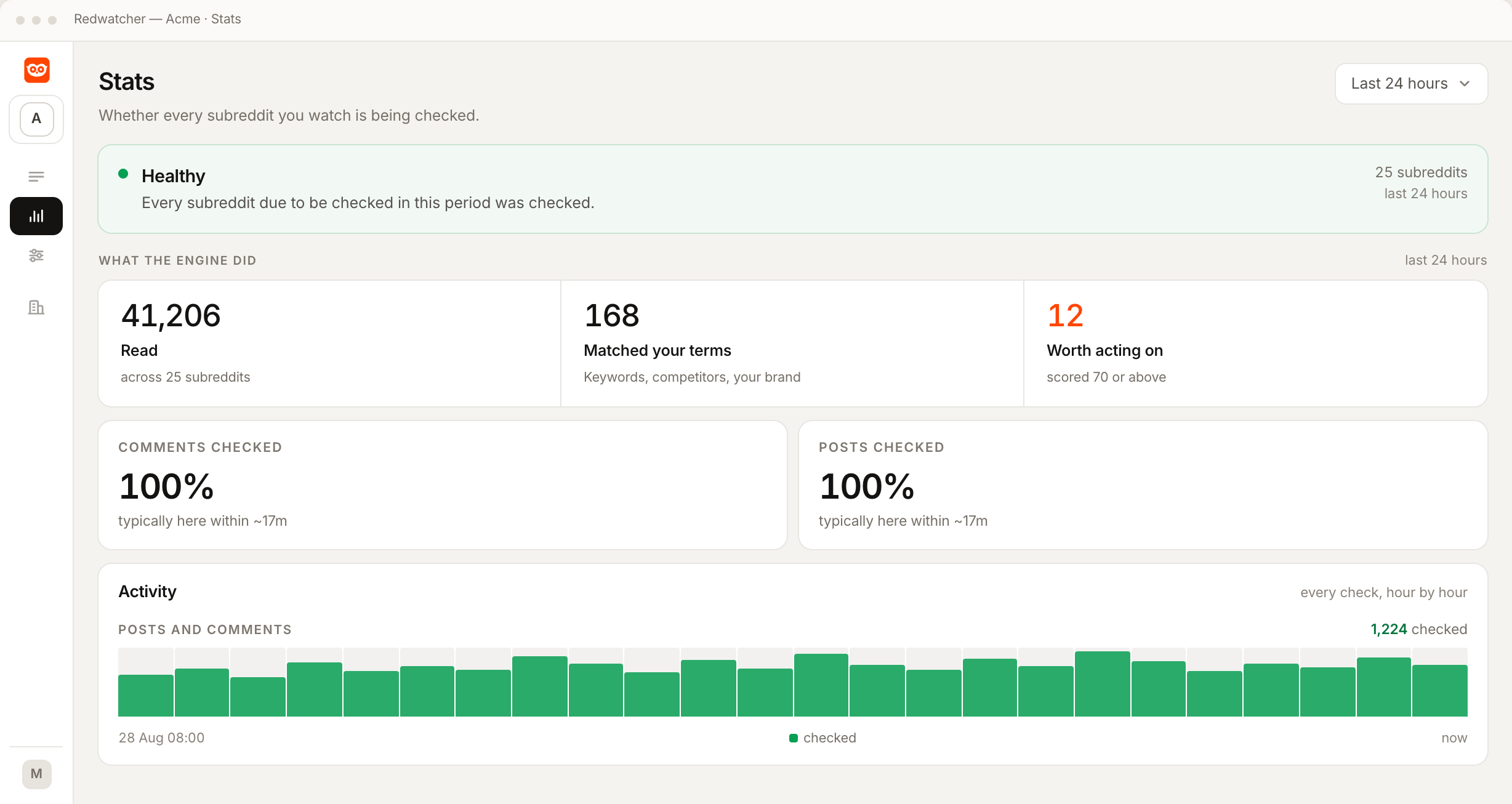
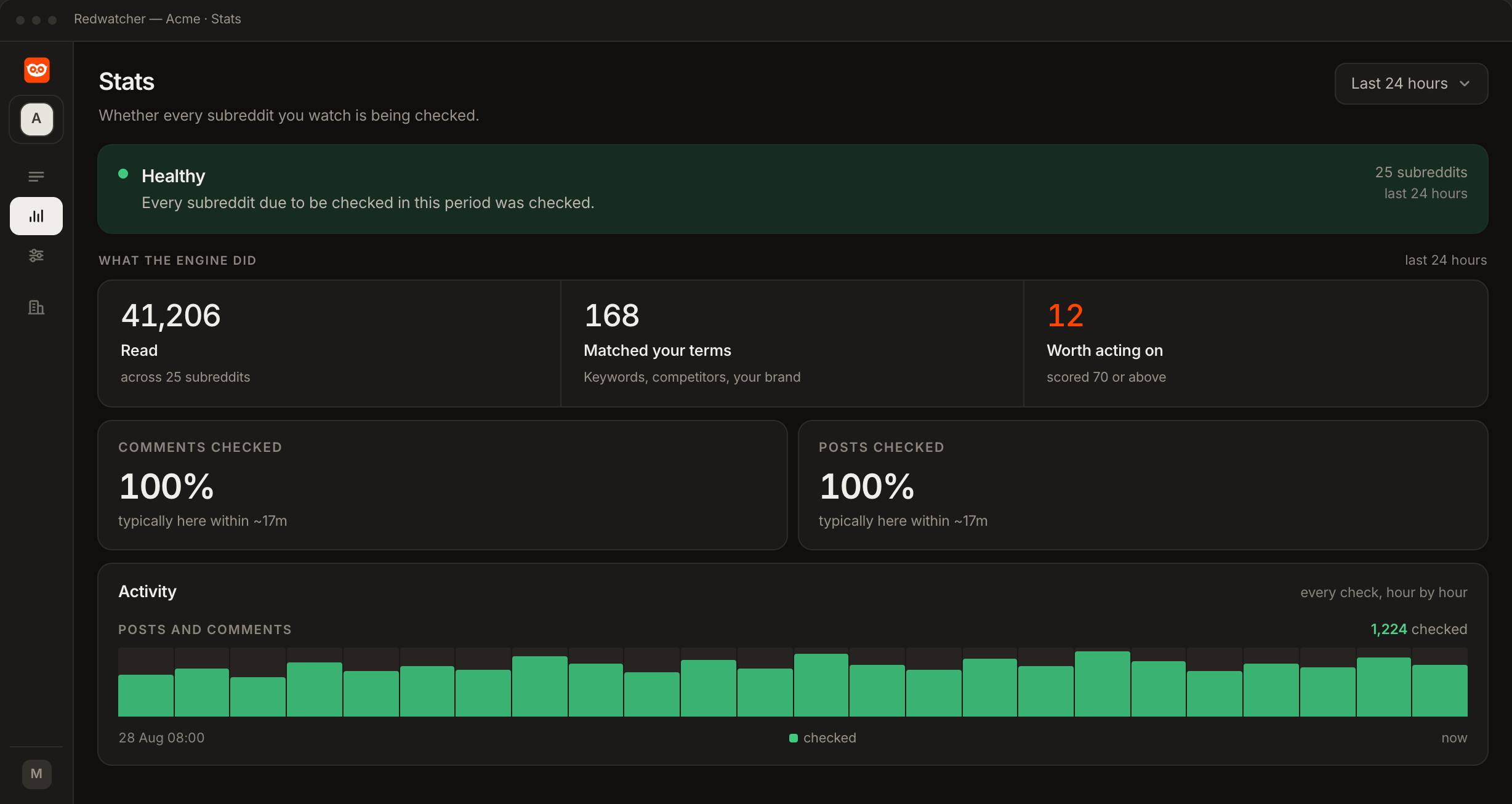
The Stats screen shows whether every subreddit in the project is being checked. A line at the top says Healthy when every subreddit due to be checked in the period was checked, and Catching up when some are taking longer than usual. You can look at the last 6 hours, 24 hours, 7 days or 30 days.
Under that, a table lists every subreddit, with comments and posts in separate columns and the ones not being checked on time at the top. Each column has a status, such as checked, due a check or not updating, and when it was last checked, and a column that is not updating does not stop the rest of the list being read. Opening a row shows how many checks were done out of how many were due. A subreddit that no longer exists on Reddit is marked gone, and a private one is marked private. Neither can be read, so neither counts when the screen says whether every subreddit was checked.
What a good first week looks like
A good first week has a quiet first day, then one look at the Stats screen for any row that is not checked and one read of the inbox, skipped matches included, to adjust the score and add rules.
Day one is often quiet. Redwatcher reads new threads from the moment setup finishes, so the first alerts come from threads posted after that. Every subreddit is checked around the clock, multiple times every hour, on every plan, and median freshness is about 15 minutes.
By the end of the week, open the Stats screen once and look for any row that is not checked. Then read the inbox, including the skipped matches. If good threads sit just under the score, lower it a little. If the sent ones include threads you would never answer, correct each one as in Step 4. The rules collect on the Setup screen, where the project's keywords, subreddits and rules are edited.
What to do when a subreddit is gone, or alerts are too many or too few
Remove a gone or private subreddit on the Setup screen, raise the score or add a rule when there are too many alerts, and add the phrases people write when there are too few.
A subreddit is marked gone or private. Remove it on the Setup screen, and you can add another community in its place. Reddit shows a private subreddit only to its approved members.
Too many alerts. One keyword is usually too broad for one of the communities on the list. Raise the score, add a rule about what that keyword should not mean, or move the noisy communities to a project of their own with a stricter score.
Too few alerts. The communities may be quiet or the keywords narrow. Add the phrases people write when they describe the problem you solve, since many of them have never heard of your product.
RedwatcherReddit monitoring, every match scored
Start free Seven days, no card. From $29 a month after. The full setup guide
What it costs, and whether there is a free way
Redwatcher has no free plan. A project costs $29 a month for 25 subreddits and 25 keywords, $49 for 50 of each and $89 for 100 of each, after a seven-day trial that takes no card. The free way is a Reddit custom feed. It puts the communities in one place, and you read every post yourself to find your keywords. Every plan has every feature, including the Stats screen and all four alert channels, and team members cost nothing. Prices from redwatcher.com/pricing, read on 3 October 2026.
How this guide was checked
Redwatcher wrote this guide about its own product. On 3 October 2026 we read Reddit Help's article on custom feeds, its glossary and the prices on redwatcher.com/pricing, and we read the labels on the Stats screen in Redwatcher's own app. We did not build a custom feed in Reddit's apps, so what a custom feed does comes from Reddit Help alone. The screenshots are Redwatcher's own screens with example data, and the client names on the switcher are invented.
Monitoring many subreddits: questions people ask
How many subreddits can one Redwatcher project watch?
A Redwatcher project watches 25 subreddits on the $29 plan, 50 on the $49 plan and 100 on the $89 plan, each with the same number of keywords. A project that needs more than 100 subreddits needs a custom plan. The count is shown on the Subreddits step while you add them, and a project can move up or down a plan at any time without losing the subreddits already on its list.
Does every keyword get checked in every subreddit?
Every keyword in a Redwatcher project is checked in every subreddit that project watches, in new posts and in new comments. When some communities need different keywords, put them in a second project with its own keyword list. Each project has its own subreddits, keywords, score, rules and alert channels, and the switcher at the top of the menu moves between them.
When should I split subreddits into separate projects?
Separate projects make sense when two groups of subreddits need different keywords, a different score or different people reading the alerts. A brand and a client, or two clients of an agency, always belong in separate projects, so one client's competitor never shows up as a match for another. A subreddit that matters to both goes on both lists and counts once in each project.
How do I know every subreddit is still being read?
The Stats screen in Redwatcher lists every subreddit in the project, with comments and posts in separate columns, a status for each and when each was last checked. A line at the top says Healthy when every subreddit due to be checked was checked. A community that no longer exists is marked gone, and a private one is marked private, so a subreddit that cannot be read is easy to find on the list.
Will watching more subreddits mean more alerts?
More subreddits bring more matches into the inbox, and only the threads that reach the score you set are sent. Raising the score sends fewer, and when a score is wrong you say what was wrong and it becomes a rule for the whole project. By default a thread is sent once, so later matching comments in the same thread do not send it again.
Is there a free way to watch many subreddits?
Reddit's custom feeds are free and gather several communities into one feed, but Reddit Help's article on them, read on 3 October 2026, describes no keyword filter and no alert, so you still read every post yourself to find your keywords. Redwatcher has no free plan. A project costs $29 a month for 25 subreddits and 25 keywords, after a seven-day trial that takes no card.
Reddit is a trademark of Reddit, Inc. Redwatcher is not affiliated with or endorsed by Reddit, Inc.