
Guide
How to get Reddit notifications for keywords
Updated 3 October 2026
In short
Reddit has no setting that notifies you when someone uses a keyword. Its notifications cover your own account, accounts you follow and posts Reddit recommends. A keyword notification comes from a Reddit monitoring tool such as Redwatcher, which watches the subreddits you choose and sends the threads that reach the score you set to Telegram, Slack or your email.
Redwatcher is a Reddit monitoring tool. Tracks keywords, brand mentions and competitors across the subreddits you choose, scores every match for relevance, and alerts by email, Slack, Telegram or webhook around the clock. From $29/month per project. Connected to Telegram or Slack, it sends each thread that reaches the score you set to your phone as a notification.
RedwatcherReddit monitoring, every match scored
 Redwatcher
Start free Seven days, no card. From $29 a month after. See pricing
What Reddit's own notifications cover
Reddit's notifications are about your account, accounts you follow and posts Reddit chooses to recommend. None of them fires because a word you picked appeared in a thread. A subreddit is one of Reddit's communities, such as r/smallbusiness, each with its own posts and comments. Redwatcher scores every thread that contains one of your keywords from 0 to 100 for how closely it fits what you want to hear about, and sends only the threads that reach the score you set.
| You want a notification when… | Reddit itself | Redwatcher |
|---|---|---|
| Someone replies to your post or comment | Yes | No |
| Someone sends you a message or a chat | Yes | No |
| An account you follow posts | Yes | No |
| Reddit recommends a trending or suggested post | Yes, chosen by Reddit | No |
| Anyone in a subreddit writes your keyword | No | Yes, in the subreddits you choose, for the threads that reach the score you set |
Reddit Help's articles on notifications, read on 3 October 2026, cover choosing which notifications you get and turning off trending notifications, and none of them describes an alert for a keyword. If you only want to hear about replies, messages and accounts you follow, Reddit's own notifications are enough. Getting a notification when anyone in a subreddit writes your keyword takes four choices and one test: the words, the subreddits, the score a thread must reach, and the app that shows the notification.
Step 1: Choose the keywords
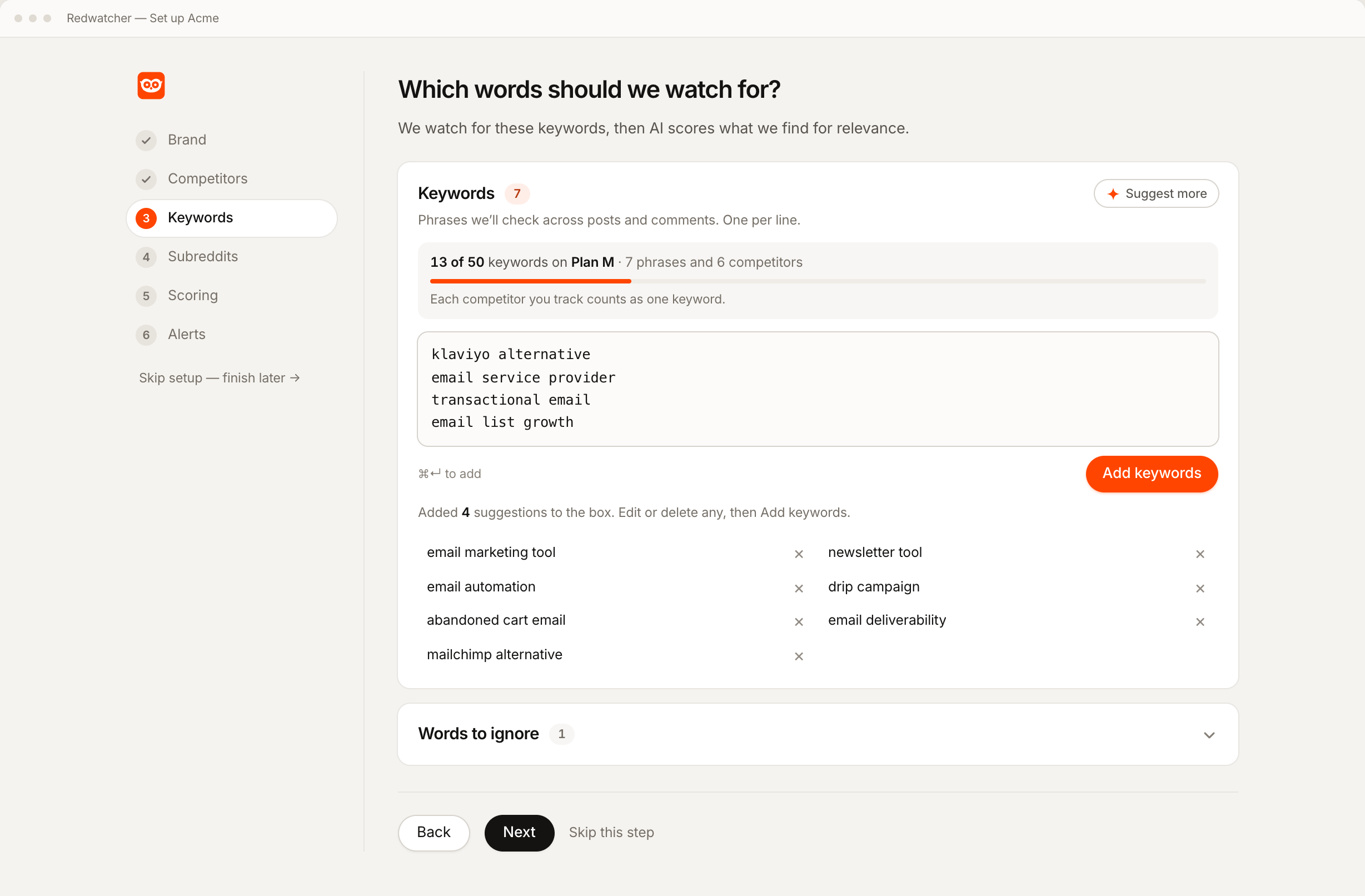
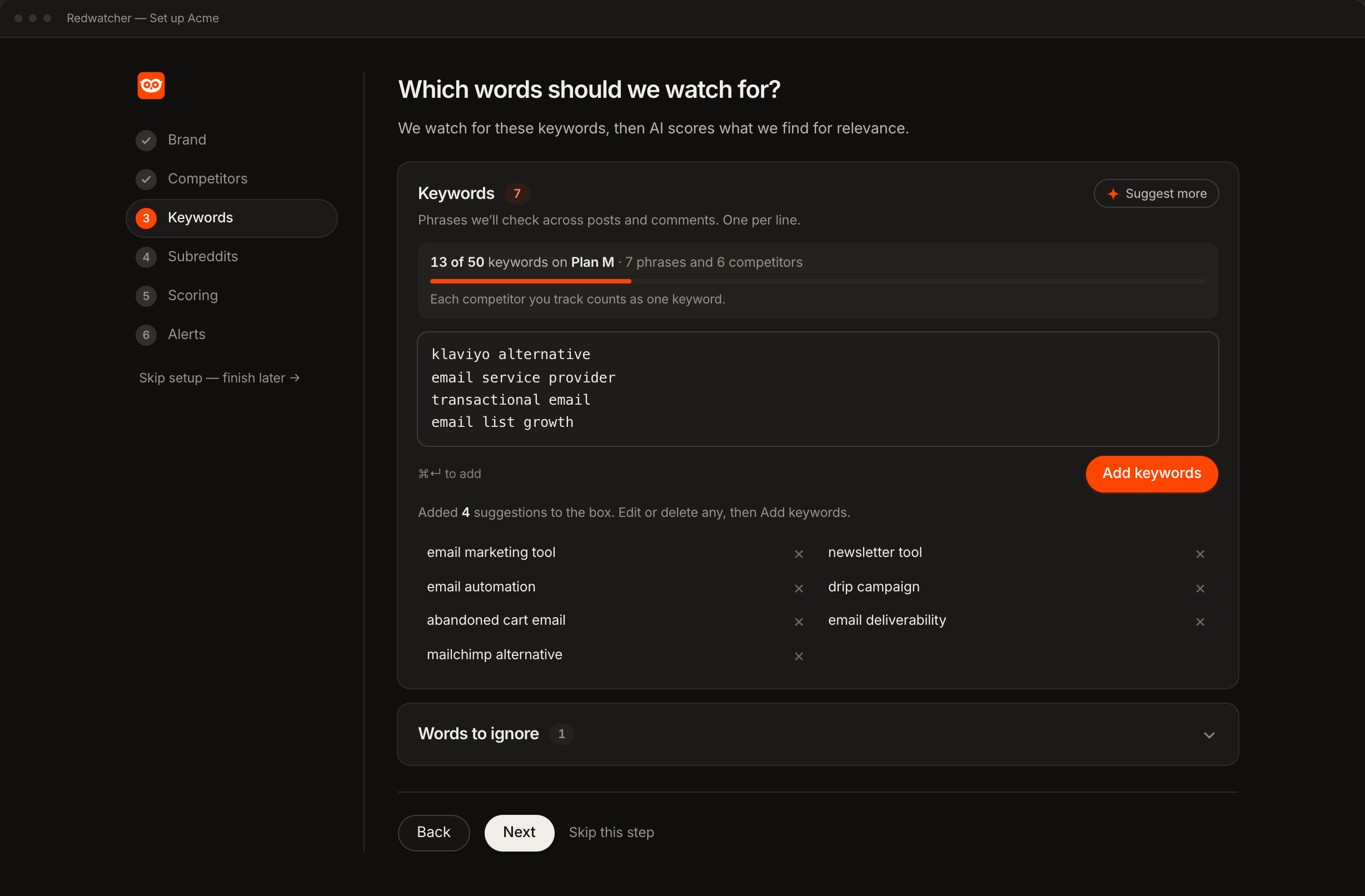
Add your brand and the spellings people use for it, your competitors, and the phrases people write when they have the problem you solve. The third group finds threads before anyone has heard of you.
Redwatcher's setup reads your website and suggests all three, so you edit a list instead of writing one. A match is a new post or comment in one of your subreddits that contains one of your keywords. A project is one set of keywords, subreddits, score and alert channels, and Redwatcher charges for each project separately. Every competitor you track counts as one keyword against the project's allowance of 25, 50 or 100.
Step 2: Choose the subreddits
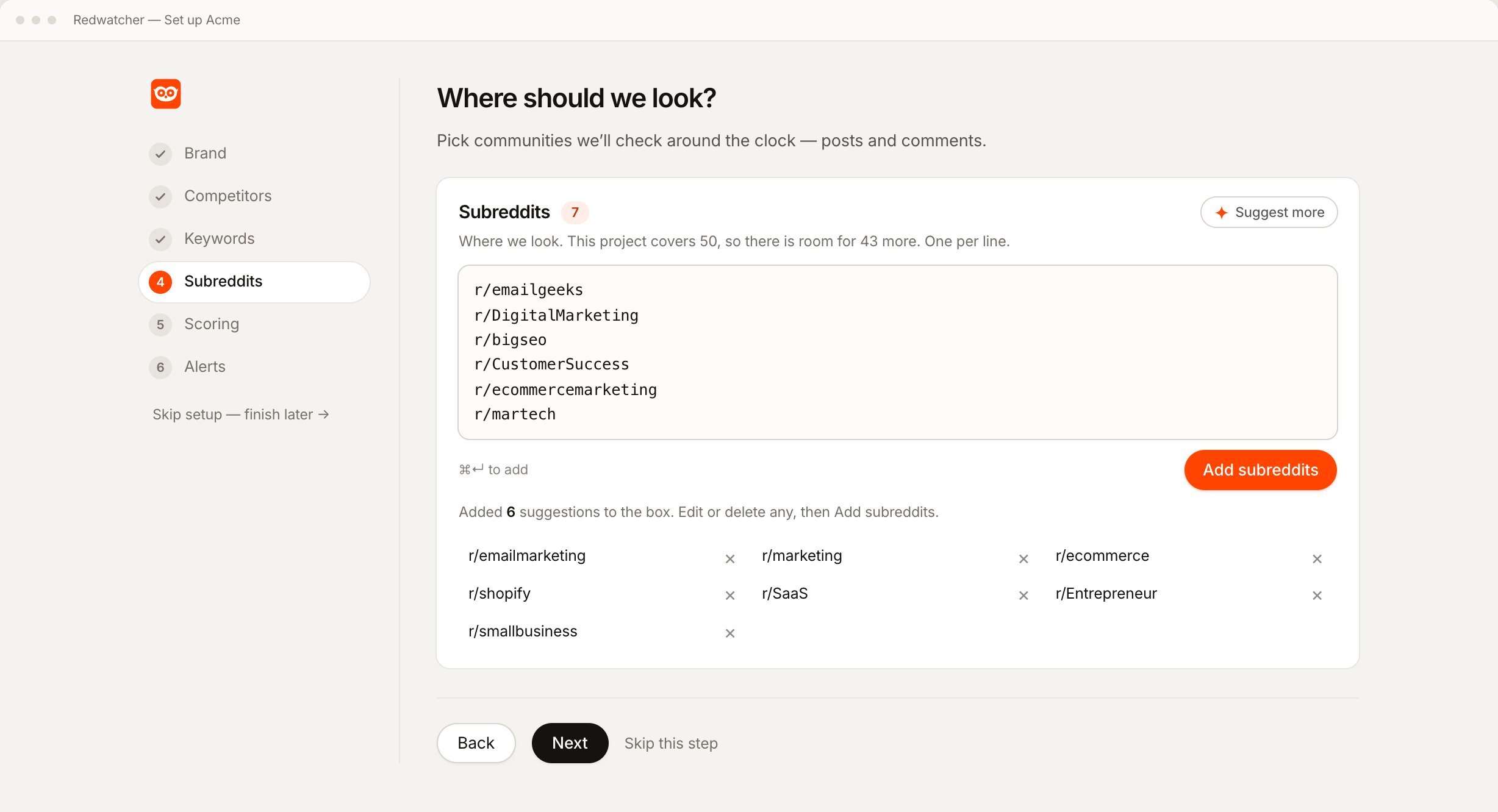
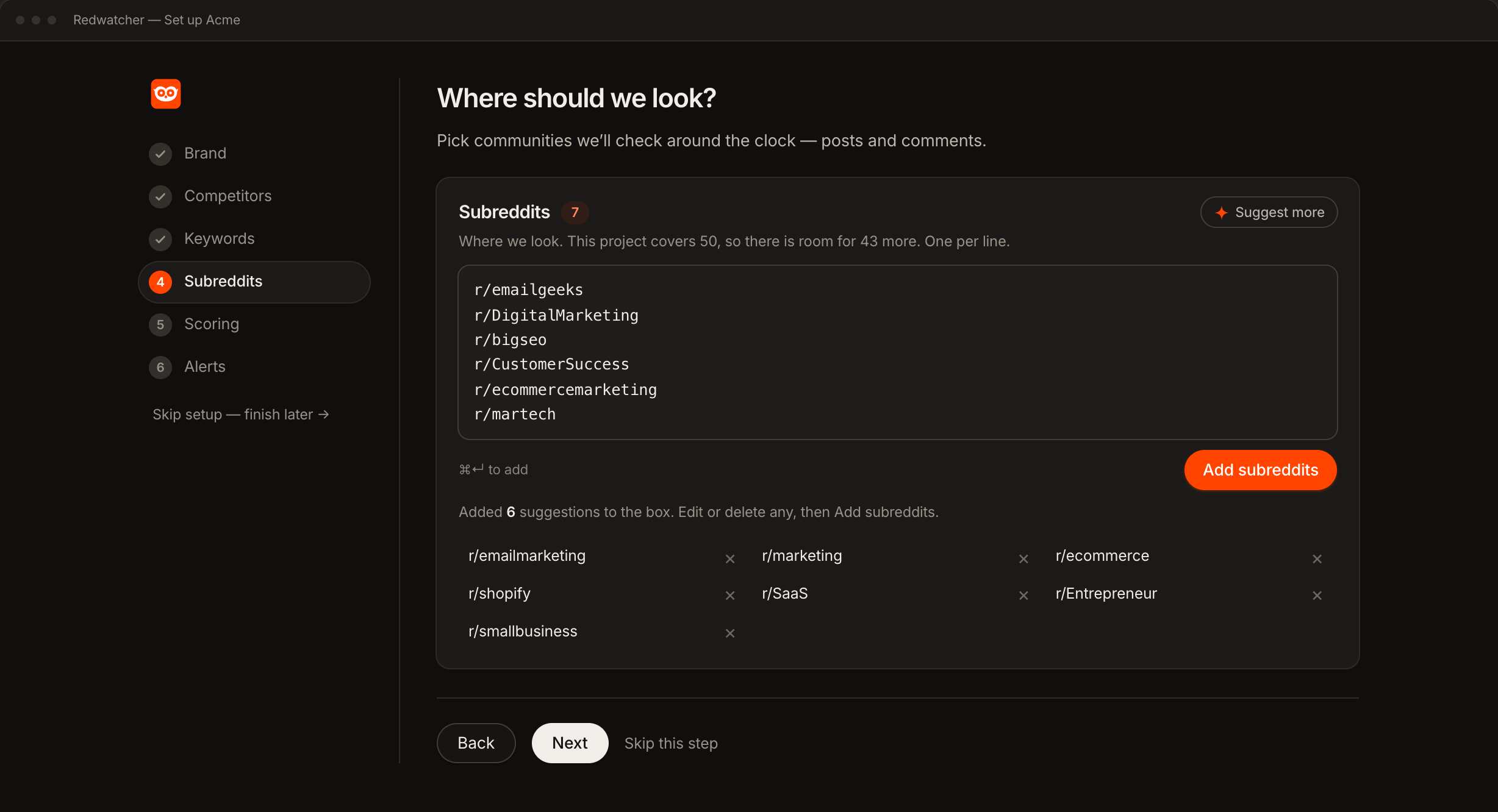
Keep the subreddits setup suggests, add any you already read, and remove the ones that do not fit. Each one is checked against Reddit as you accept it, so the list holds communities that exist and are still active. A notification can only come from a subreddit on this list, which is what keeps the number of notifications to something you can read on a phone.
Step 3: Set the score a thread must reach
Start at 70: every match is scored from 0 to 100 for how closely the thread fits what you want to hear about, and only the threads that reach the score you set are sent. Everything below it stays in the app and is counted. On Telegram or Slack, every thread that is sent makes your phone notify you, so a low score means a busy phone.
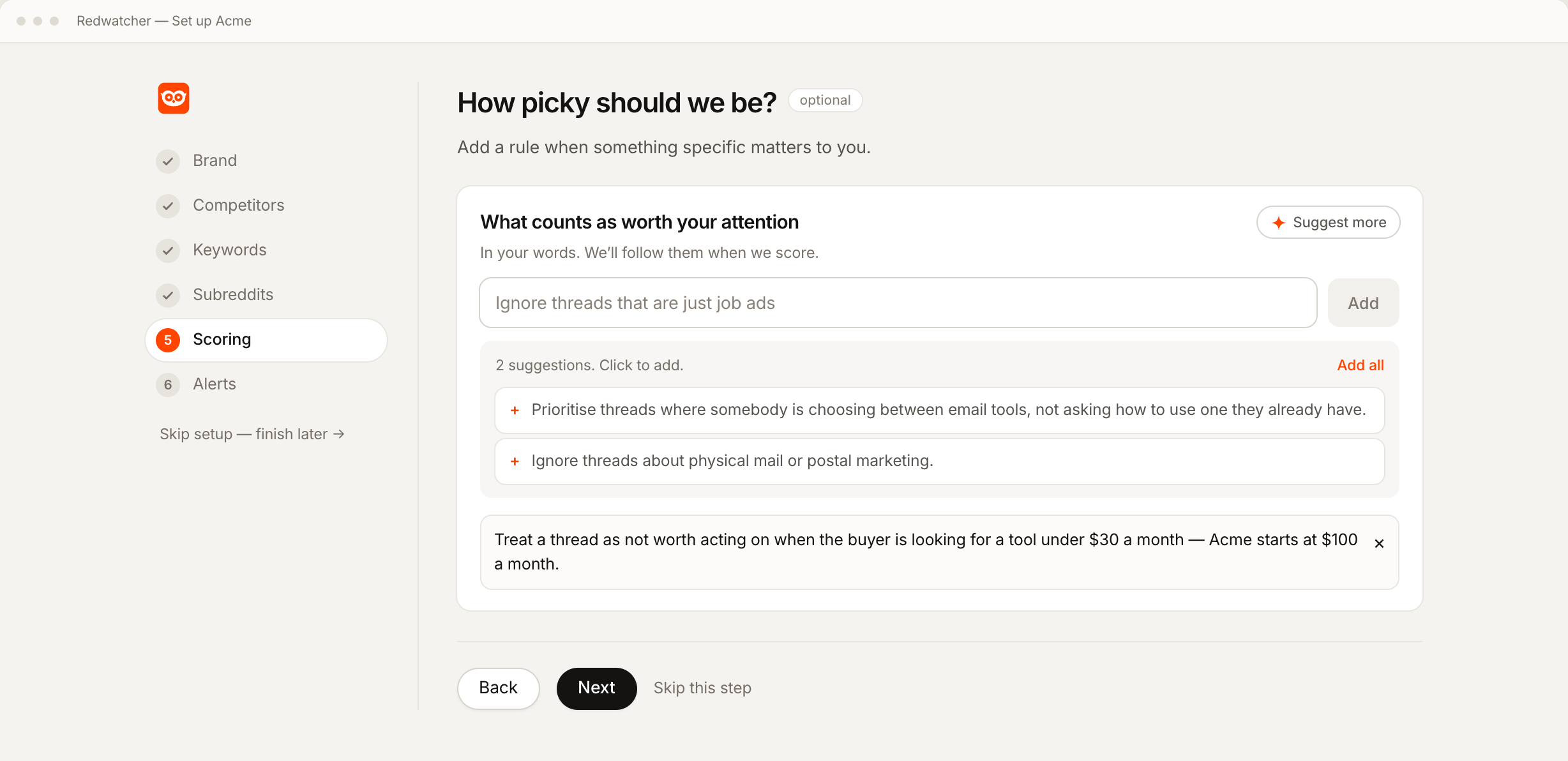
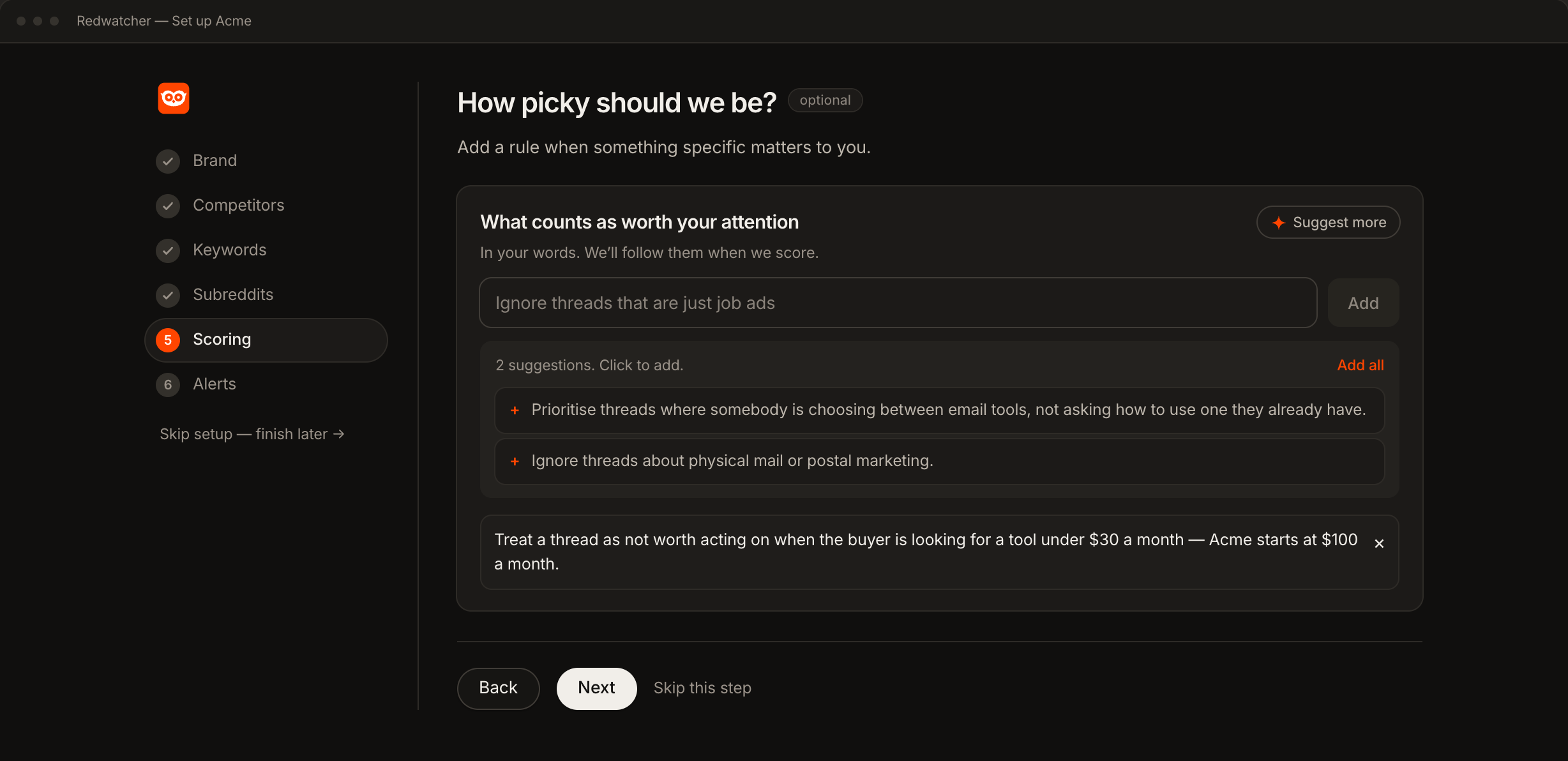
Write a rule or two in plain language, such as ignore job posts, and setup suggests more from your site. When a score is wrong later, you say what was wrong and it becomes a rule.
Step 4: Pick the app that notifies you
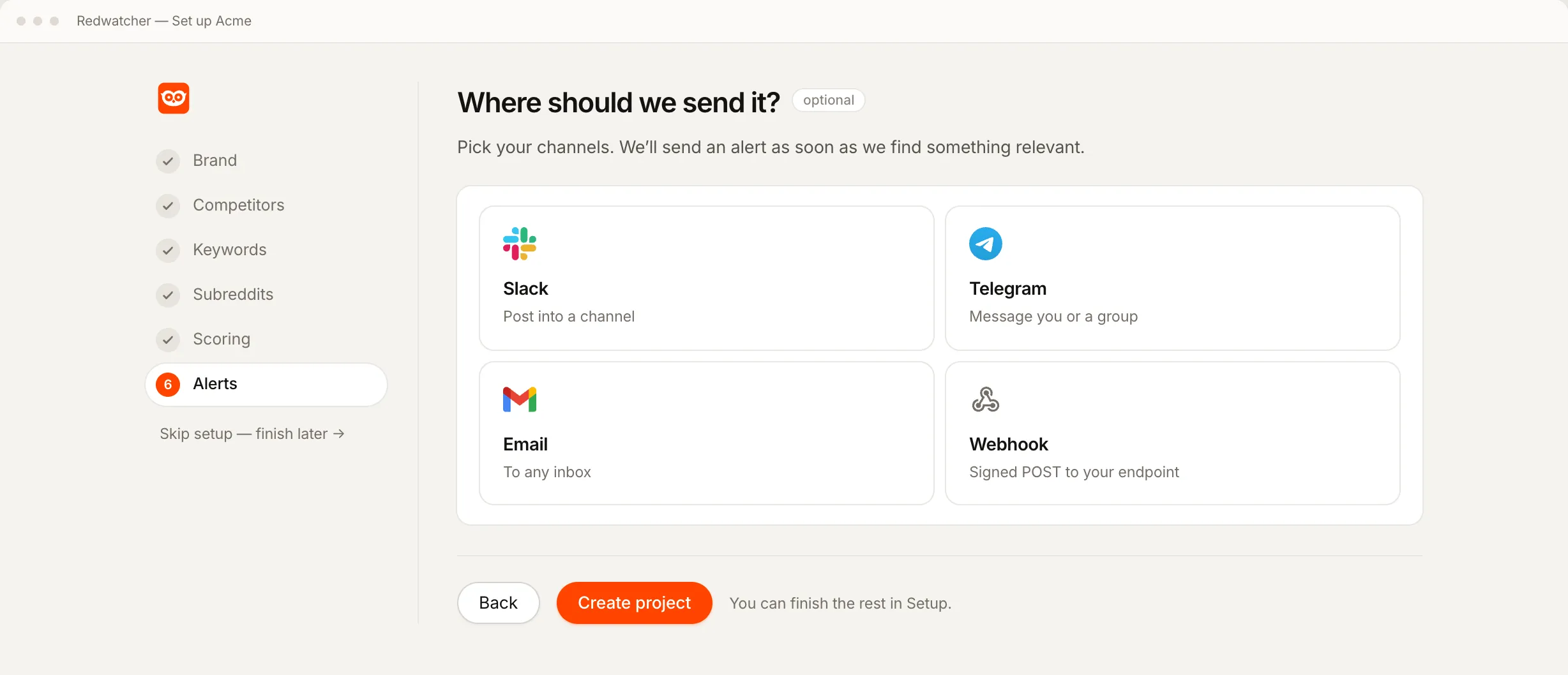
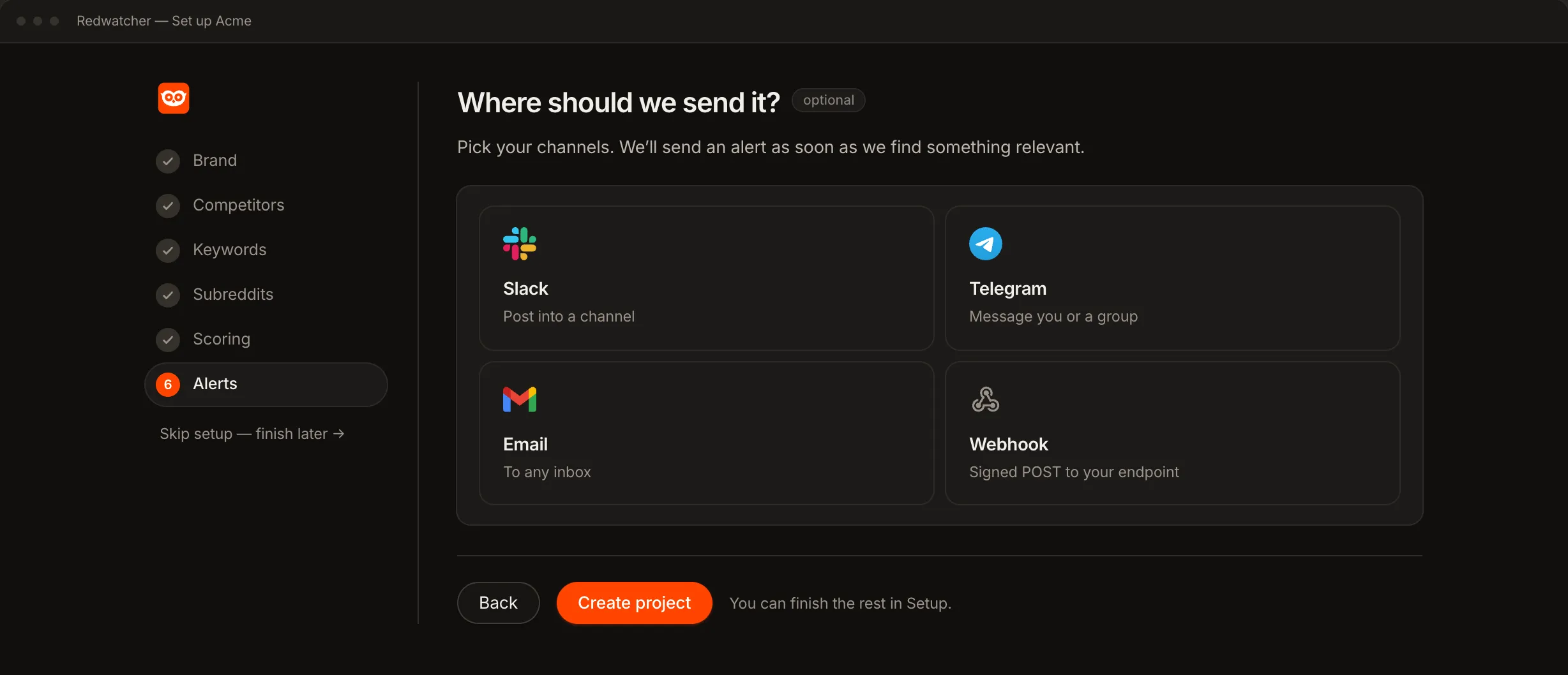
The alert can go to Telegram, Slack, email or a webhook, and all four are on every plan. The notification itself comes from that app's own settings on your phone or desktop.
| Channel | Where the notification appears | How it connects |
|---|---|---|
| Telegram | The Telegram app on your phone or desktop | Press Connect Telegram, then Start |
| Slack | The Slack app, in the channel you pick | Once the project exists, press Add to Slack on its Setup screen and pick a channel |
| Your mail app | Type an address | |
| Webhook | Your own system, which receives each thread as data at a URL you give | Paste a URL |
Telegram and Slack get one message per thread, so each thread that is sent is one notification. A check is one pass over your subreddits, and Redwatcher runs them around the clock, multiple times every hour. Email gets one message per check, carrying the threads from that check. Telegram suits one person reading on a phone. Slack suits a team that answers threads together. Each channel has its own guide: Reddit alerts to Telegram, Reddit alerts to Slack and Reddit alerts by email.
Step 5: Turn the notification on and send a test
Every channel has a test button that sends a real message. Press it with your phone in your hand.
Telegram. The chat with the Redwatcher bot notifies you like any other chat. If the test arrives without a sound, the chat is muted in Telegram, and unmuting it there turns the notification on.
Slack. Slack decides per channel what makes your phone buzz. Open the channel the alerts go to, and set its notifications to every new message, so each thread that is sent reaches the phone.
Email. Add alerts@alerts.redwatcher.com to your contacts, so the mail app treats it as a sender you know and does not file it away from your inbox.
What a good first week looks like
Day one is often quiet. Redwatcher reads new threads from the moment setup finishes, so the first notifications come from threads posted after that.
By day two or three, threads should be arriving. Dozens a day means the score is set too low, or one of your keywords is too broad.
The rules made from wrong scores are listed on the Setup screen in the app, next to your keywords and subreddits, where you can edit them by hand.
When no notification arrives
When no notification arrives, the cause is usually one of four things: the score is set too high, the subreddits are quiet, the keywords are too narrow or the app is muted (see Step 5). Check them in that order.
The score is set too high. At 90, only threads that fit what you described almost exactly are sent. Set it to 70 and see what appears.
The subreddits are quiet. Redwatcher's Stats screen, one of the pages in the app, shows how many posts and comments were read in each subreddit. A community with few posts a day will not produce many matches, whatever the keywords are.
The keywords are too narrow. A new brand gets few mentions. Add the phrases people use for the problem, which they write long before they know your name.
The app is muted. If the test message is in the app but your phone stayed silent, the setting to change is in Telegram, Slack or your mail app, not in Redwatcher.
RedwatcherReddit monitoring, every match scored
Start free Seven days, no card. From $29 a month after. The full setup guide
What it costs, and whether there is a free way
Redwatcher costs $29 a month per project for 25 keywords and 25 subreddits, $49 for 50 of each, and $89 for 100 of each, and every project starts with a seven-day trial that takes no card. There is no free way inside Reddit, because Reddit's notifications have no keyword setting, so the free route is reading the subreddits yourself, and Redwatcher has no free plan. Every plan includes every feature, with no limit on how many team members you add. Prices from redwatcher.com/pricing, read on 3 October 2026.
How this guide was checked
Redwatcher wrote this guide about its own product. On 3 October 2026 we read Reddit Help's articles on notifications and the prices on redwatcher.com/pricing. We did not open Reddit's apps or its website settings, so what Reddit notifies comes from Reddit Help alone. The screenshots are Redwatcher's own setup screens with example data. We did not check every phone's notification settings, so Step 5 describes Telegram's and Slack's own settings in general terms.
Reddit keyword notifications: questions people ask
Is there a Reddit alert app available?
Reddit's own app has no keyword alert, so the alert comes from a Reddit monitoring tool such as Redwatcher. Reddit's notifications cover replies, messages, chats, accounts you follow and posts Reddit recommends. Redwatcher runs in the browser, watches the subreddits you choose, and sends each thread that reaches the score you set to Telegram, Slack or email, which then notify you on your phone.
Can Reddit notify me when a keyword is mentioned?
Reddit cannot. Reddit Help's notification articles, read on 3 October 2026, describe no setting that watches for a word. Reddit notifies you about activity on your own account, about accounts you follow and about posts Reddit recommends. A keyword notification needs a monitoring tool pointed at the subreddits you choose, sending to an app on your phone such as Telegram or Slack.
How do I get Reddit keyword notifications on my phone?
Set up Redwatcher with your keywords and subreddits, set the score a thread must reach, and connect Telegram or Slack. Telegram connects with Connect Telegram and then Start, and Slack with Add to Slack on the project's Setup screen once the project exists. Each thread that reaches the score you set arrives as one message, and the app's own notification setting makes the phone buzz.
Why am I getting Reddit notifications for subreddits I don't follow?
Reddit sends its own recommendations, such as trending or suggested posts, and those come from Reddit's notification settings, where they can be switched off. They have nothing to do with keyword monitoring. A Redwatcher notification is sent only when one of your keywords appears in a subreddit you chose and the thread reaches the score you set.
How fast does a Reddit keyword notification arrive?
Redwatcher checks every subreddit you choose around the clock, multiple times every hour, on every plan, and median freshness is about 15 minutes. A thread that reaches the score you set is sent in the same check that scored it, and Telegram or Slack then notifies you as it does for any message.
Can I get notifications for one subreddit only?
Yes. Add only that subreddit to the project, and only threads posted there can be sent. Each keyword is then matched in that subreddit's new posts and new comments. From a busy subreddit, only the threads that reach the score you set are sent to your phone, and the rest stay in the app.
Reddit is a trademark of Reddit, Inc. Redwatcher is not affiliated with or endorsed by Reddit, Inc.