
Guide
How to set up Reddit alerts in Slack
Updated 3 October 2026
In short
To get Reddit alerts in Slack, create a Redwatcher project, press Add to Slack on its Setup screen and pick a channel. Each thread that reaches the relevance score you set, out of 100, arrives there as one message. Then send a test and set the channel to All new posts in Slack, so your phone notifies you.
Redwatcher is a Reddit monitoring tool. Tracks keywords, brand mentions and competitors across the subreddits you choose, scores every match for relevance, and alerts by email, Slack, Telegram or webhook around the clock. From $29/month per project. A subreddit is one of Reddit's communities, such as r/smallbusiness. A match is a new post or comment in one of your subreddits that contains one of your keywords. A project is one brand or client, with its own keywords, subreddits, score and alert channels. The Setup screen is the page in the app where you edit them. In Slack, it posts as an app into one channel you pick, and asks Slack for permission to post there and for nothing else in your workspace.
RedwatcherReddit monitoring, every match scored
 Redwatcher
Start free Seven days, no card. From $29 a month after. See pricing
Add to Slack or a webhook: which Reddit Slack integration should you use?
Use Add to Slack unless your workspace needs an admin to approve new apps. Redwatcher has two ways into a Slack channel, and both deliver the same message.
A webhook is a web address that receives messages. Slack creates one for the channel you pick, and Redwatcher posts each alert to it. With Add to Slack you never see that address, and there is nothing to paste or keep.
| Add to Slack | Paste a webhook URL instead | |
|---|---|---|
| Who it suits | Any workspace where you can add an app yourself | A workspace where new apps wait for an admin's approval |
| What you do | Press Add to Slack, pick the channel on Slack's screen, allow | Create an incoming webhook in Slack and paste its URL (steps below) |
| Proof it works | A confirmation is posted into the channel as soon as you connect, and a Send a test button | A Send a test button |
Step 1: Create the project the alerts come from
Sign up and go through the setup wizard, the screens that run once when you create a project, before you touch Slack.
The setup wizard reads your website and suggests your competitors, your keywords and the subreddits to watch, so you edit lists instead of writing them. It then asks how picky the scoring should be. Every match is scored from 0 to 100 for how closely the thread fits what you want to hear about, and only the threads that reach the score you set are sent to Slack. Start at 70.
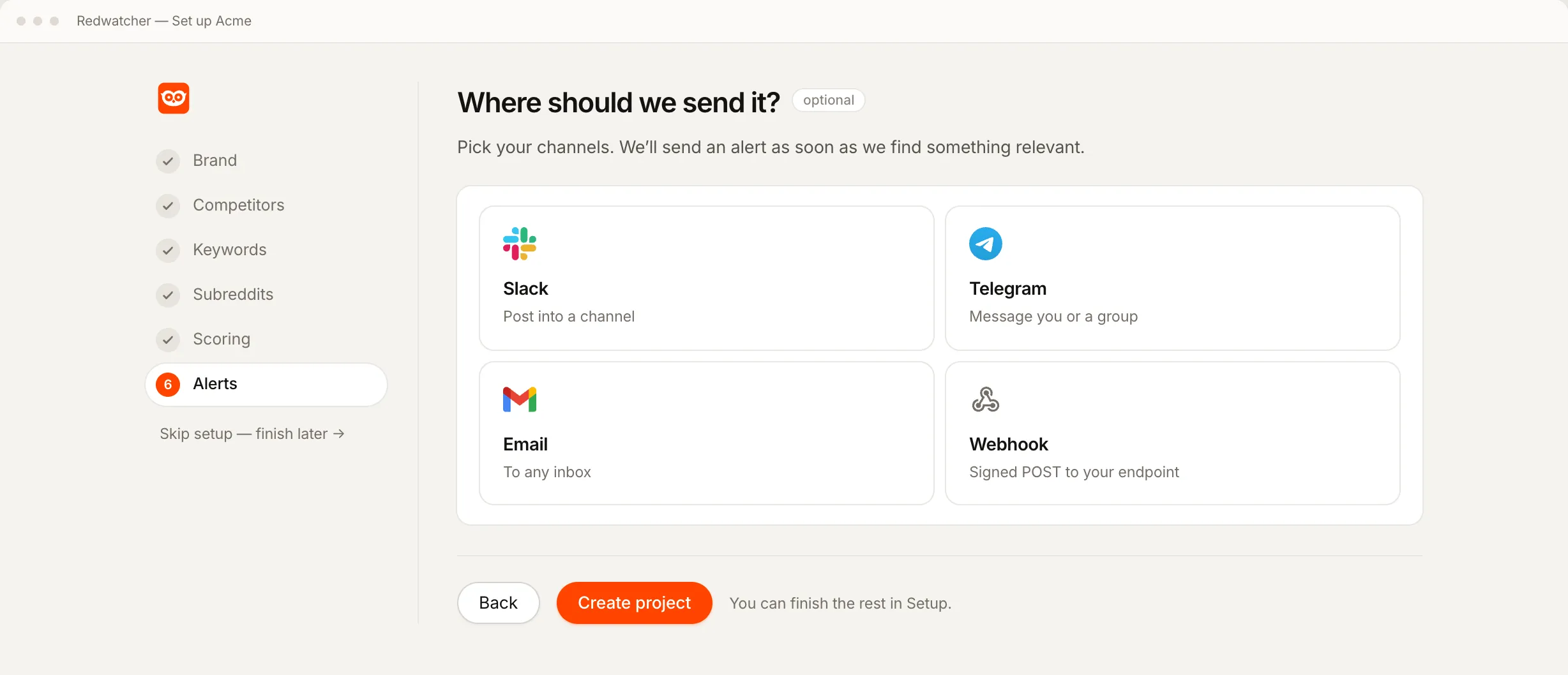
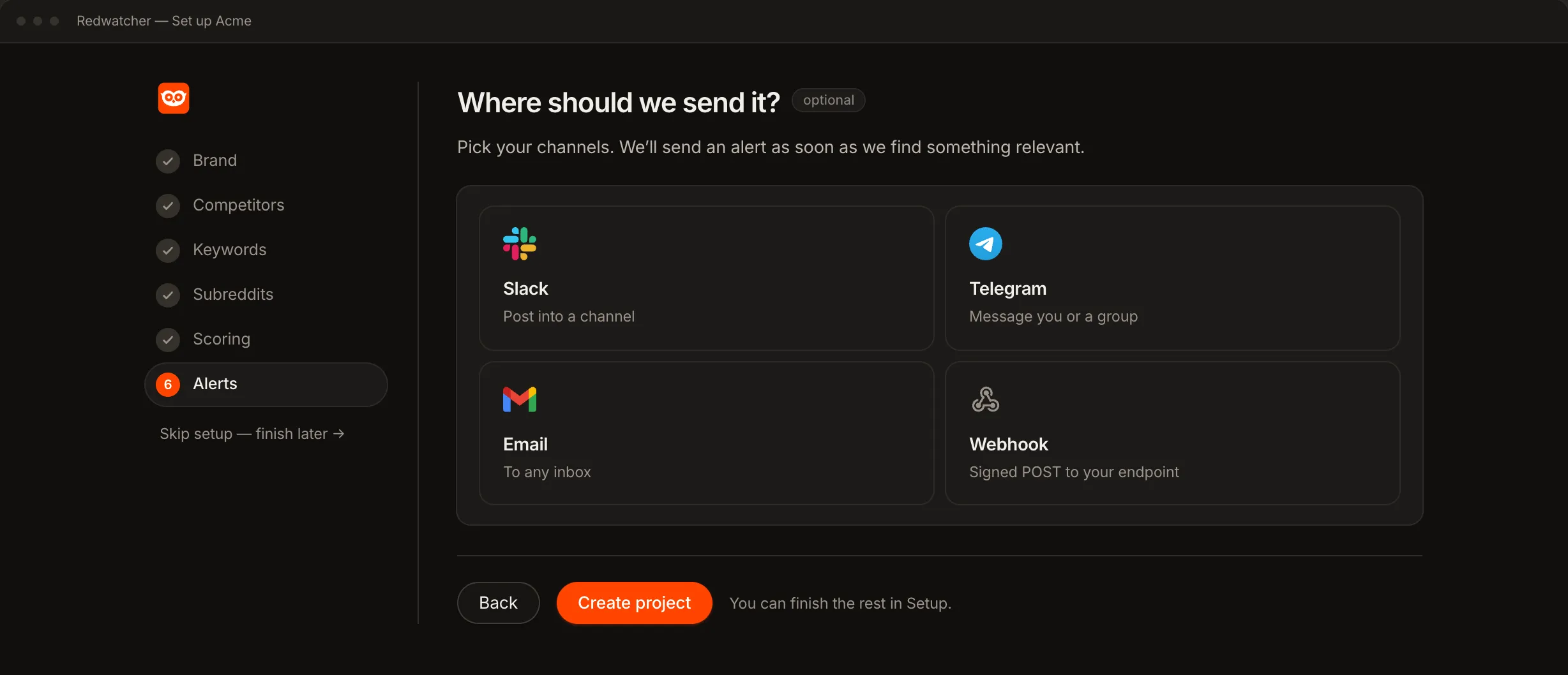
The last step of the setup wizard is Alerts, with one card for each channel. Slack connects to a project that already exists, so on that step it tells you to finish setup and connect Slack afterwards on the Setup screen. Press Create project.
Step 2: Press Add to Slack on the Setup screen
Open the project's Setup screen. Under Alerts, add a channel, choose Slack, and press Add to Slack.
Your browser leaves Redwatcher for Slack's own permission screen, in the same tab. If you belong to more than one Slack workspace, make sure you are installing into the one your team reads.
Step 3: Pick the channel and allow
Slack asks which channel Redwatcher should post in. Pick the channel the alerts belong in, such as a new one made for Reddit, and press Allow.
Slack sends you back to Setup, where the channel shows as connected with its name and your workspace's name. At the same moment Redwatcher posts a confirmation into the channel that starts Redwatcher is connected. If you can see that message, Slack is connected, and the alerts will arrive in the same channel. It is a one-off confirmation and not an alert.
To send one project's alerts to a second channel too, add Slack again on the Setup screen and pick the other channel.
Step 4: Send a test
Every channel on the Setup screen has a Send a test button, and it posts a real message. Press it and watch the channel.
Step 5: Set the channel to notify you about every new post
In Slack, set the channel's notifications to All new posts, because Slack decides per channel what makes your phone or desktop notify you, and an alert can otherwise sit in the channel without anyone being told. Slack Help's article Manage notifications for specific channels and direct messages, read on 3 October 2026, gives these steps:
- On the desktop: open the channel, click the Notifications icon at the top of the conversation, and select All new posts.
- On a phone: from the channel, tap the channel's name, tap Settings & details, then tap Notifications and choose to hear about all new posts.
The same article says a channel can be muted to turn its notifications off entirely. Each person in the channel sets this for themselves.
What does a Reddit alert in Slack contain?
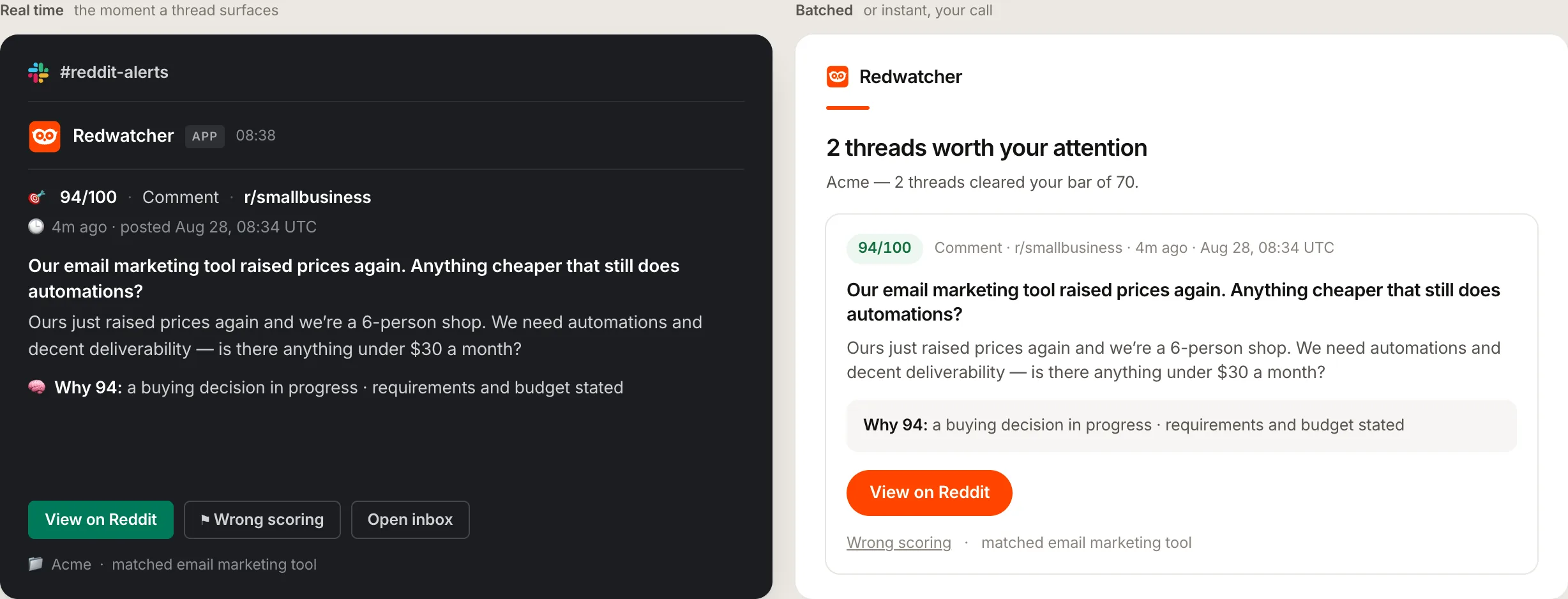
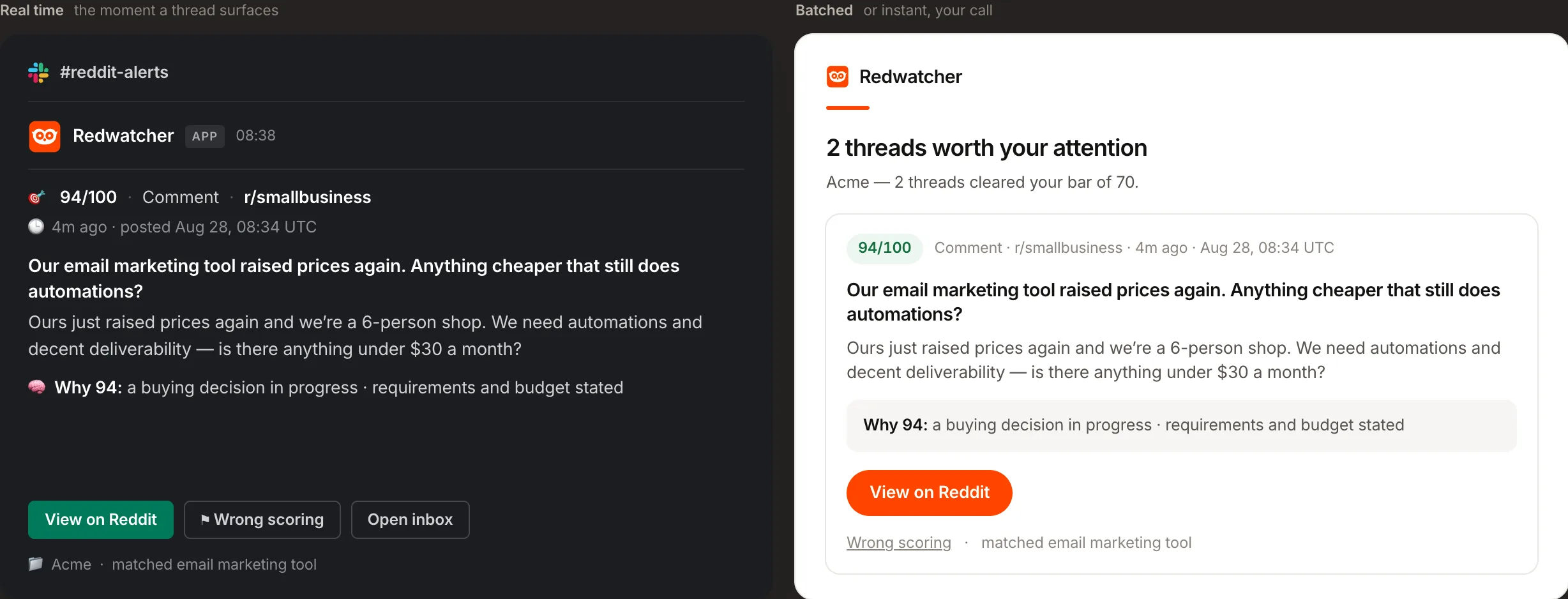
Each alert in Slack is one message per thread, carrying the score out of 100, whether the match is a post or a comment, the subreddit, how long ago it was posted, the title, the matching text, a line starting Why that gives the reason for the score, and three buttons. Redwatcher checks your subreddits around the clock, multiple times every hour, and a thread that reaches the score you set is posted in the same check that scored it.
The three buttons:
- View on Reddit opens the thread, and you reply from your own Reddit account. Redwatcher does not write or post replies.
- Wrong scoring opens a page for that thread, where you say what was wrong and it becomes a rule that every later match is judged against.
- Open inbox opens the project's inbox, the page in the app where every match is kept with its score, including the ones below the score you set.
A footer names the project and the term that matched. Everyone in the channel sees the alert, so whoever replies on Reddit for the brand can pick up a thread without logging in to Redwatcher.
What if your Slack workspace needs an admin to approve apps?
Paste a Slack incoming webhook URL into Redwatcher instead, which needs no app approval. On the Slack channel in Setup, press Paste a webhook URL instead. Then, in Slack, open Apps, choose Incoming Webhooks, press Add to Slack there, pick the channel, and paste the URL Slack gives you into Redwatcher's Incoming webhook URL field. Save the channel and press Send a test.
If the admin approves Redwatcher later, the link Use "Add to Slack" instead under the URL field takes you back to the button.
What a good first week in Slack looks like
In a good first week, the first alerts arrive once new threads are posted in your subreddits, and you adjust the score until your team reads every alert that comes in. Redwatcher reads new threads from the moment setup finishes, so the first alerts come from threads posted after that.
A channel your team stops reading means the score is set too low, or one keyword is too broad. Press Wrong scoring on the alerts that should not have come, and raise the score on the Setup screen if they keep coming. The rules made from wrong scores are listed on the Setup screen next to your keywords and subreddits, where you can edit them by hand.
Why are Reddit alerts not arriving in Slack?
Reddit alerts stop arriving in Slack for one of three reasons: the channel is not connected, the channel is muted, or the project's score, subreddits or keywords let nothing through. Start with the test message, because it tells you whether the problem is the Slack connection or the project.
No confirmation and no test message in the channel. The channel is not connected. Open the Slack row on the Setup screen and press Reconnect. Reconnecting is also the fix when Slack has revoked the connection, and it replaces the old one, so nothing posts twice.
The test arrived, and your phone stayed silent. The channel is muted or set to mentions only in Slack. Set it to All new posts, as in Step 5.
The test arrives, and no alerts come. The problem is in the project, and it is usually one of three causes:
- The score is set too high. At 90, only threads that fit what you described almost exactly are sent. Set it to 70 and look at what appears.
- The subreddits are quiet. The Stats screen, one of the pages in the app, shows how many posts and comments were read in each subreddit. A community with few posts a day produces few matches, whatever the keywords are.
- The keywords are too narrow. A new brand gets few mentions. Add the phrases people write when they have the problem you solve.
Open the inbox either way. If threads are there with scores below yours, Redwatcher is finding them, and lowering the score on the Setup screen will send them to Slack.
How much do Reddit alerts in Slack cost, and is there a free way?
Reddit alerts in Slack cost $29 a month per project on Redwatcher's smallest plan, with Slack included at no extra charge, and there is no free plan, so the free way is reading the subreddits yourself and posting links into Slack by hand. That plan covers 25 keywords and 25 subreddits, $49 covers 50 of each, and $89 covers 100 of each. Every project starts with a seven-day trial that takes no card, and Slack can be connected during it. Every plan includes every feature, team members are free, and every competitor you track counts as one keyword. Prices from redwatcher.com/pricing, read on 3 October 2026.
How this guide was checked
Redwatcher wrote this guide about its own product. On 3 October 2026 we read Redwatcher's Slack install code, its alert setup screen and its Reddit alerts to Slack page, Slack Help's article Manage notifications for specific channels and direct messages, and the prices on redwatcher.com/pricing. The screenshots are Redwatcher's own screens with example data, captured on 30 and 31 August 2026. We did not install Redwatcher into a new Slack workspace for this guide, and we did not test every Slack plan's app approval settings, so ask your Slack admin whether your workspace needs approval for new apps.
RedwatcherReddit monitoring, every match scored
Start free Seven days, no card. From $29 a month after. Reddit alerts to Slack
Reddit alerts in Slack: questions people ask
Do I need a Slack admin to connect Redwatcher?
Whether connecting Redwatcher needs an admin depends on how your Slack workspace is set up. If new apps wait for approval, press Paste a webhook URL instead on the Slack channel in Setup, create an incoming webhook from Slack's Apps page, and paste its URL. The alert that arrives is the same message, and a link under the field returns you to Add to Slack once the app is approved.
What permission does Redwatcher ask for in Slack?
Redwatcher asks Slack for one permission: to post into the channel you pick on Slack's own screen. Redwatcher reads nothing in your workspace and cannot see other channels or messages. To post somewhere else, reconnect from the project's Setup screen and pick a different channel. To stop the alerts, press Remove on the Slack row in Setup.
Can I connect Slack during the setup wizard?
Slack connects to a project that already exists, so the Alerts step at the end of setup sends you to the Setup screen for it. Create the project first, open its Setup screen, and press Add to Slack under Alerts. Telegram, email and the webhook can be connected in the wizard itself.
Can Reddit alerts go to more than one Slack channel?
Reddit alerts can go to more than one Slack channel: add Slack again on the project's Setup screen and pick a different channel each time. Each brand or client is its own project with its own channels, so an agency can post each client's alerts into that client's own channel. Every channel on a project receives the same threads, the ones that reach the score you set.
Why did my Slack test message arrive without a notification?
Slack decides per channel what notifies you. Slack Help's article on managing notifications for specific channels, read on 3 October 2026, says to click the Notifications icon in the channel and select All new posts, or on a phone to tap the channel name, then Settings & details, then Notifications. A muted channel gets no notifications at all.
How fast does a Reddit thread reach Slack?
Redwatcher checks every subreddit you choose around the clock, multiple times every hour, on every plan, and median freshness is about 15 minutes. A thread that reaches the score you set is posted to Slack in the same check that scored it, as its own message, without waiting for any other thread. Slack then notifies the channel's members according to their own settings.
Reddit is a trademark of Reddit, Inc. Redwatcher is not affiliated with or endorsed by Reddit, Inc.